EVO 4 Manual
EVO 4 is a 2-input, 2-output USB audio interface with two EVO microphone preamps, Smartgain, a JFET instrument input, monitor and headphone outputs, direct-monitoring controls and audio loopback.
Key features
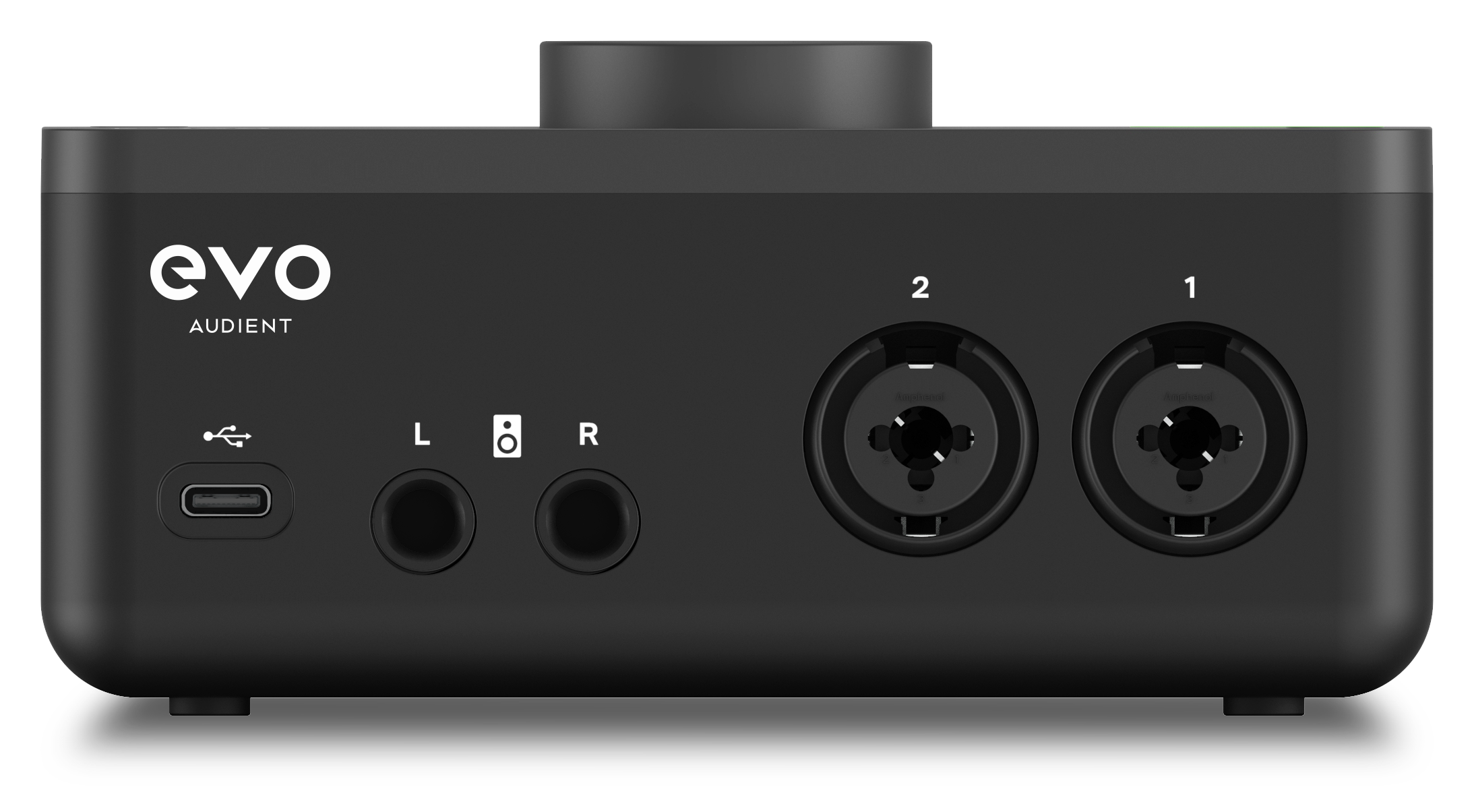
- 2 × EVO microphone preamps
- Smartgain automatic gain setting
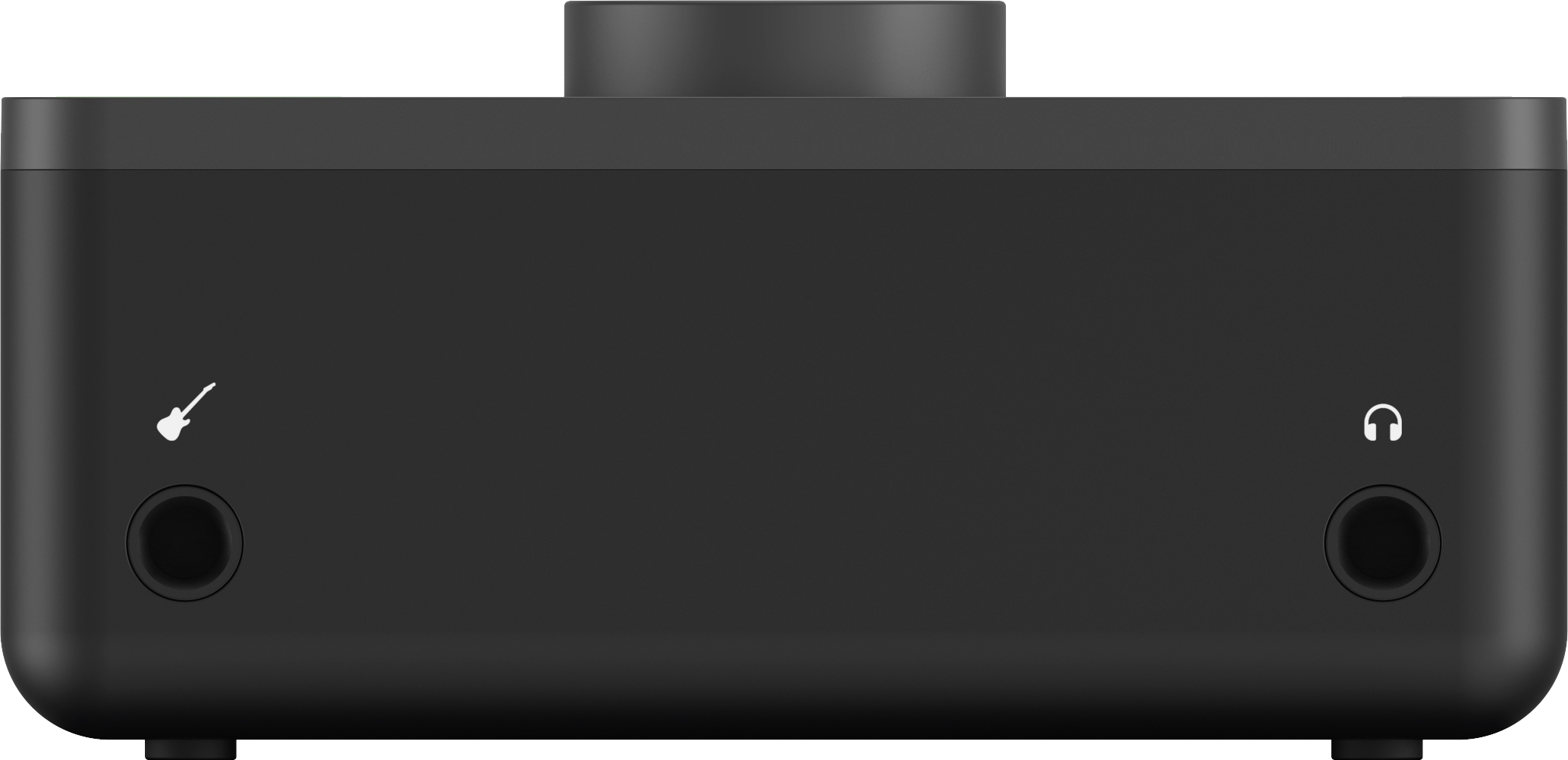
- 1 × JFET instrument input
- 2 × balanced monitor outputs
- 1 × headphone output
- Monitor Mix and Monitor Pan
- Audio loopback
- 48 V phantom power
- USB 2.0 bus-powered operation
- macOS, Windows and iOS compatibility
- Up to 24-bit, 96 kHz operation
Controls at a glance
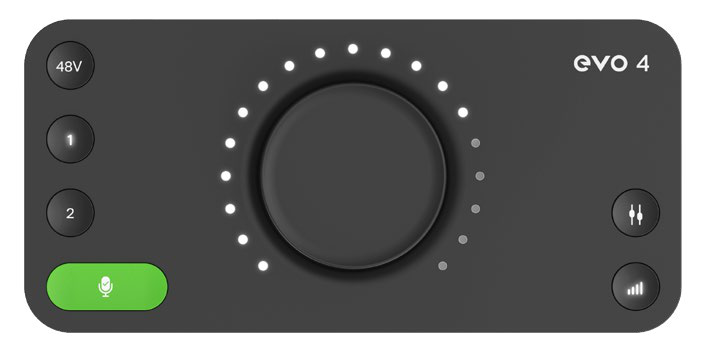
Smartgain
Smartgain automatically analyses the selected input signals and sets their input gain. It can set both EVO 4 inputs during the same Smartgain process.
Input buttons 1 and 2
Use the numbered buttons to select an input for gain adjustment, phantom power, Smartgain or muting.
48 V phantom power
Use the 48V button to provide phantom power to a selected microphone input when the connected microphone requires it.
Monitor Mix and Monitor Pan
Use Monitor Mix to blend the direct input signals with audio played back from the computer. Use Monitor Pan to position the inputs in the monitor mix.
Control knob
The central Control Knob adjusts the selected input gain, monitor level, headphone level or monitoring function.
Output Volume
Use the Output Volume button and Control Knob to adjust the listening level.