Independent Mixes
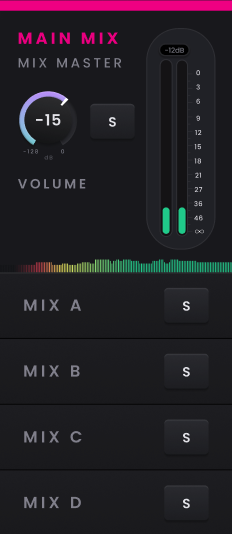
Use Independent Mixes when the control-room balance is not the same balance a performer needs to hear. Horizon provides a Main Mix for the normal monitoring path and four additional mixes, A–D, that can be built and recalled independently.
Building an Independent Mix
Select Mix A, B, C or D from the Mixer Monitor Panel, then use the same channel faders, Pan, Mute and Solo controls you use in the Main Mix to create the required balance. The first time an Independent Mix is opened its channels start from their defaults; after that, Horizon Control saves changes automatically so the mix is ready when you return to it.
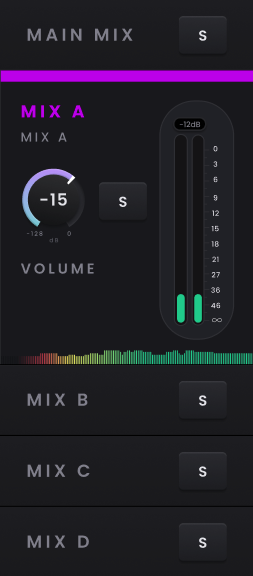
A useful way to think about the Independent Mixes is as separate low-latency cue mixes. Changing one does not rewrite the Main Mix or the other Independent Mixes, so you can create different balances for different performers while keeping the control-room mix intact.
Checking a performer mix
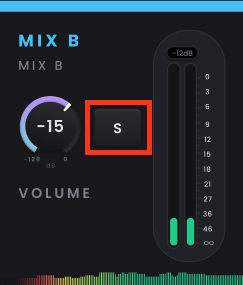
Solo an Independent Mix when you want to hear that complete mix through the main monitoring path from the control room. This lets you check what the performer is hearing without rebuilding the Main Mix.
Headphone output controls
Horizon 8P provides two independently controlled headphone outputs. Select HP1 or HP2 to open its Output Summary, then turn the Control Wheel to adjust its level. Press and hold the selected headphone button to mute or unmute that output.