Organising the Mixer
As the number of channels in a Horizon system grows, the Mixer gives you a few simple ways to keep the session manageable without changing the audio routing itself.
Working with stereo sources
Pair two supported sequential channels when they belong to the same stereo source. Pairs are created as 1–2, 3–4 and so on; an offset pair such as 2–3 cannot be linked. Analogue and digital channels start in mono, while Virtual Channels are stereo by default.
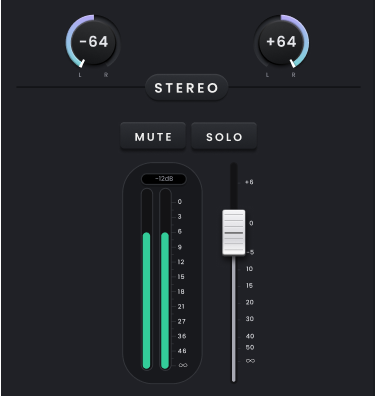
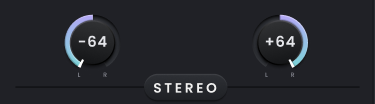
When two Horizon 8P input channels are paired, their monitoring controls become a single stereo channel with one fader, shared Mute and Solo controls and a stereo meter. Input Gain, +48 V/Pad and ORBIT are linked by default so both sides can be adjusted together, although supported parameters can be unlinked when the two channels need different settings.
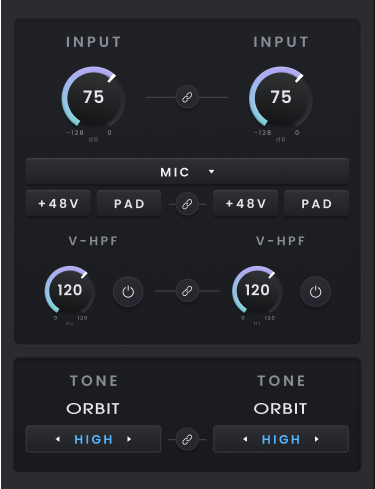
Unpair the channel when you want to return to independent mono control.
Moving around a larger Mixer
Use the horizontal scrollbar to move through channels that are outside the visible part of the Mixer and the vertical scrollbar when the full channel strip does not fit in the current window.
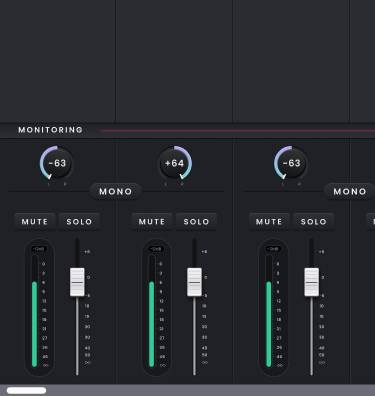
The Fast Scroll Bar is hidden when only one Horizon device is connected. In cascaded systems it becomes available for quicker navigation through the channel list. The blocks within the Fast Scroll Bar represent approximate areas of the Mixer rather than individual channel strips; select a block to jump to the corresponding area.

If you want to keep the Mixer visible while working elsewhere in Horizon Control, use the expand control to open the Mixer and monitoring section in a separate window. Close the expanded window to dock it back into the main application.
