Metering
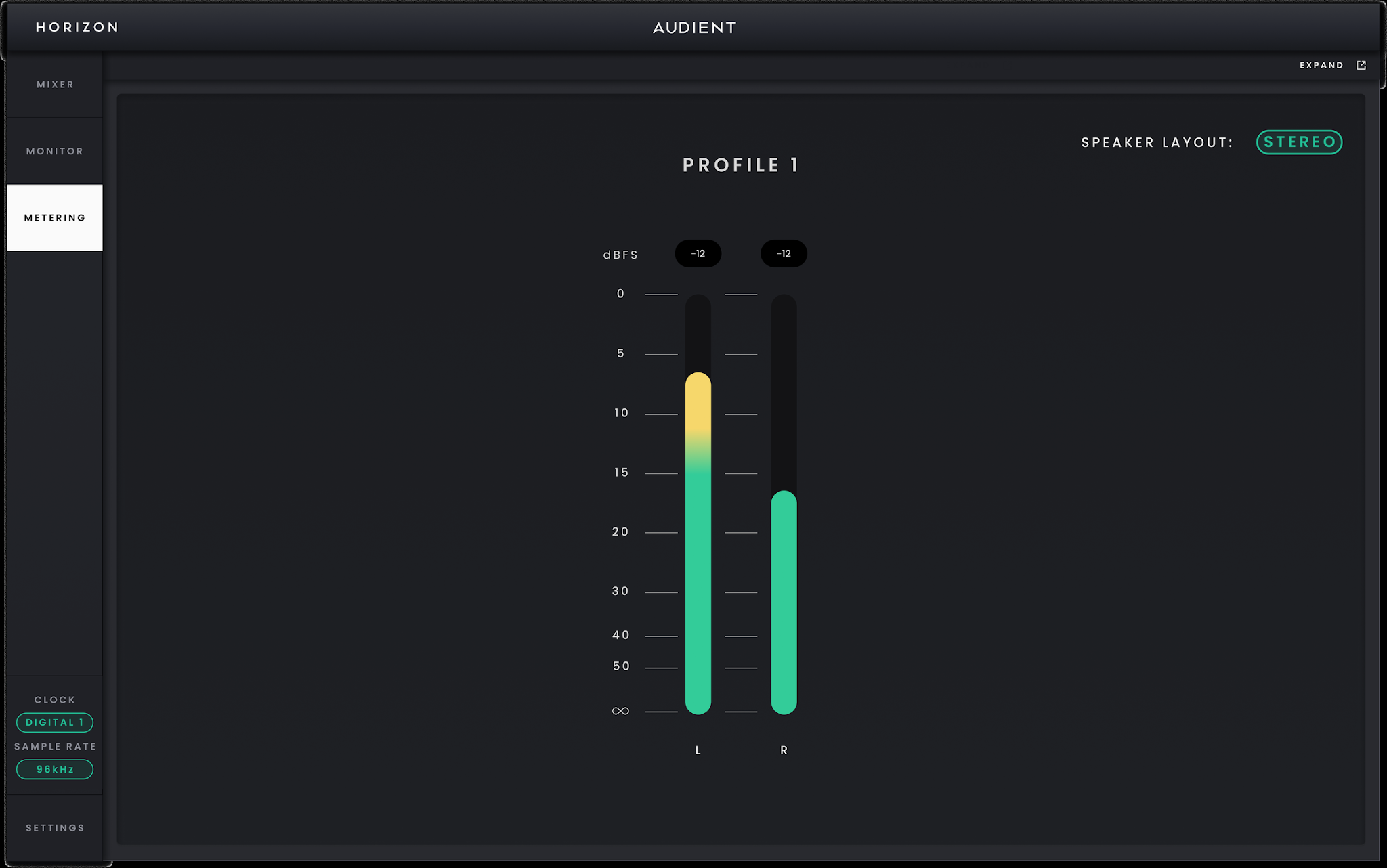
Stereo Metering view.
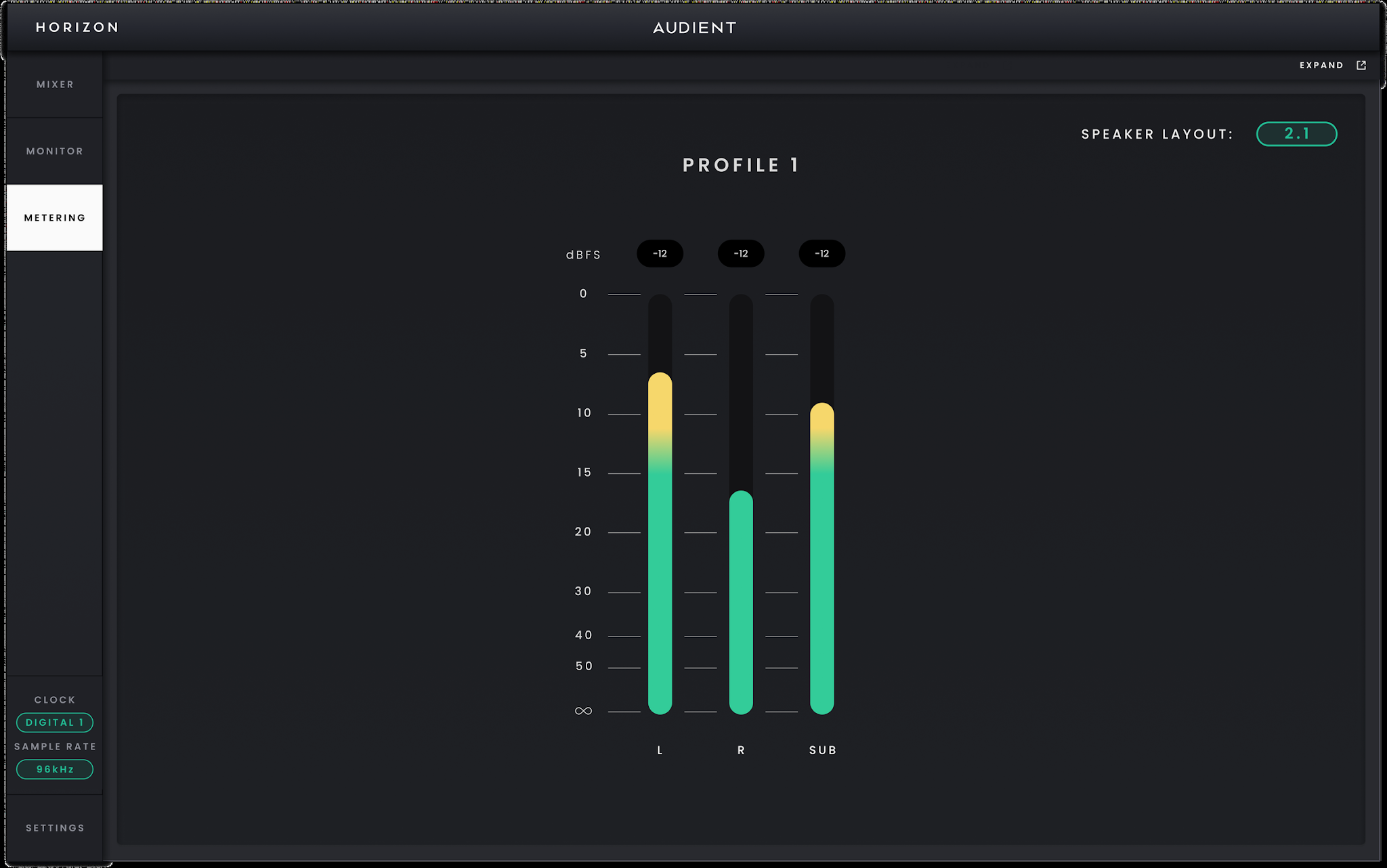
2.1 Metering view.
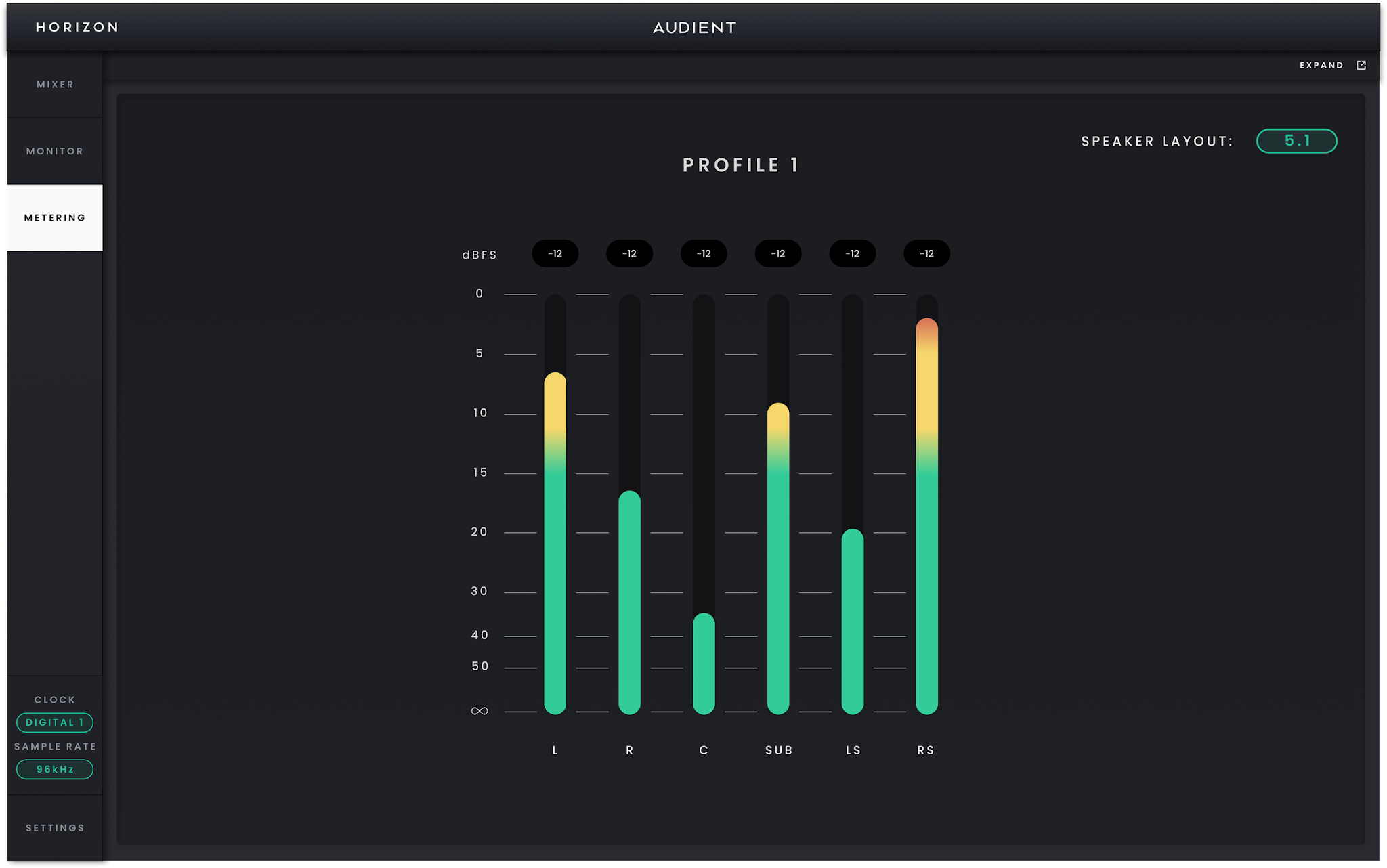
5.1 Metering view.
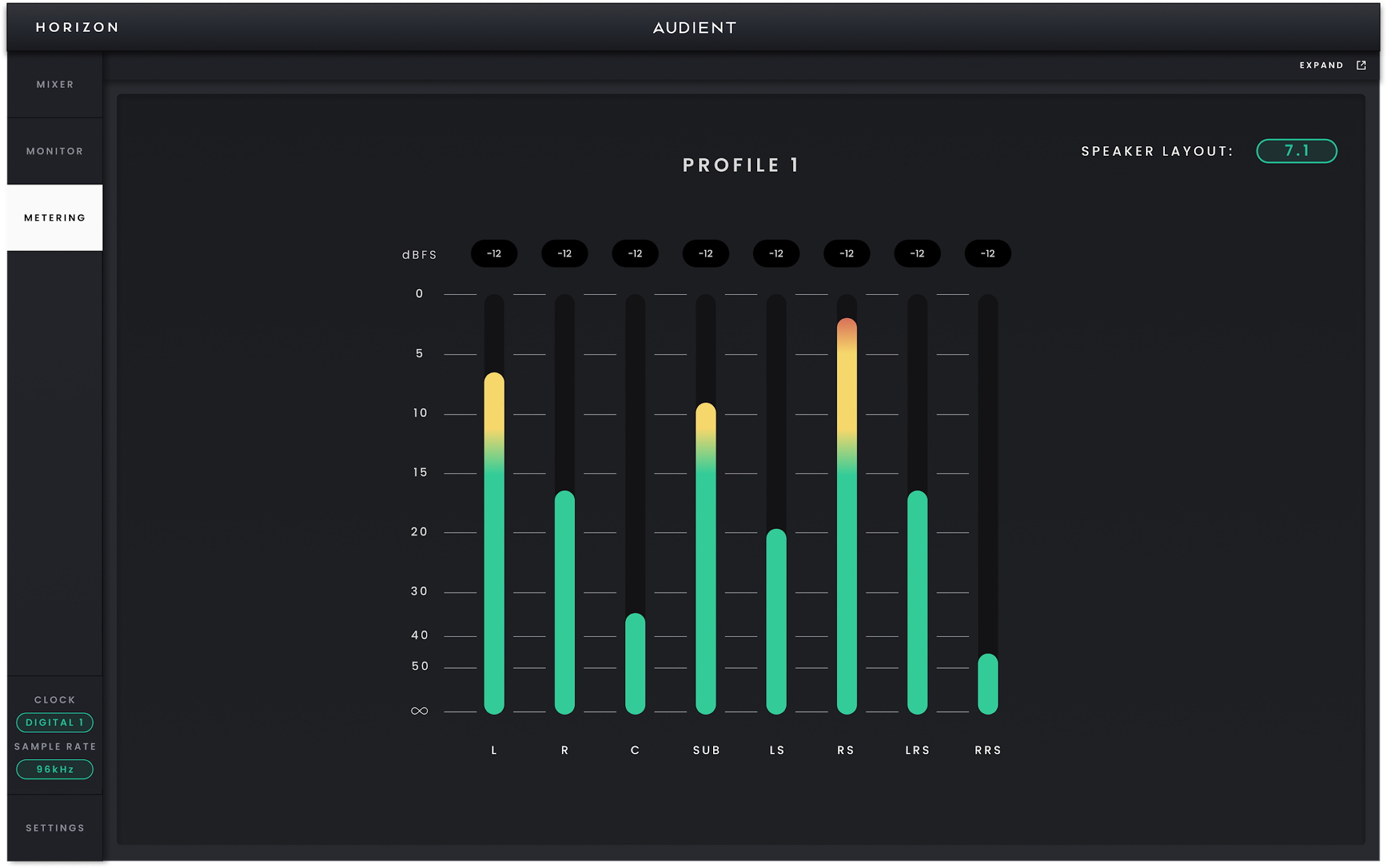
7.1 Metering view.
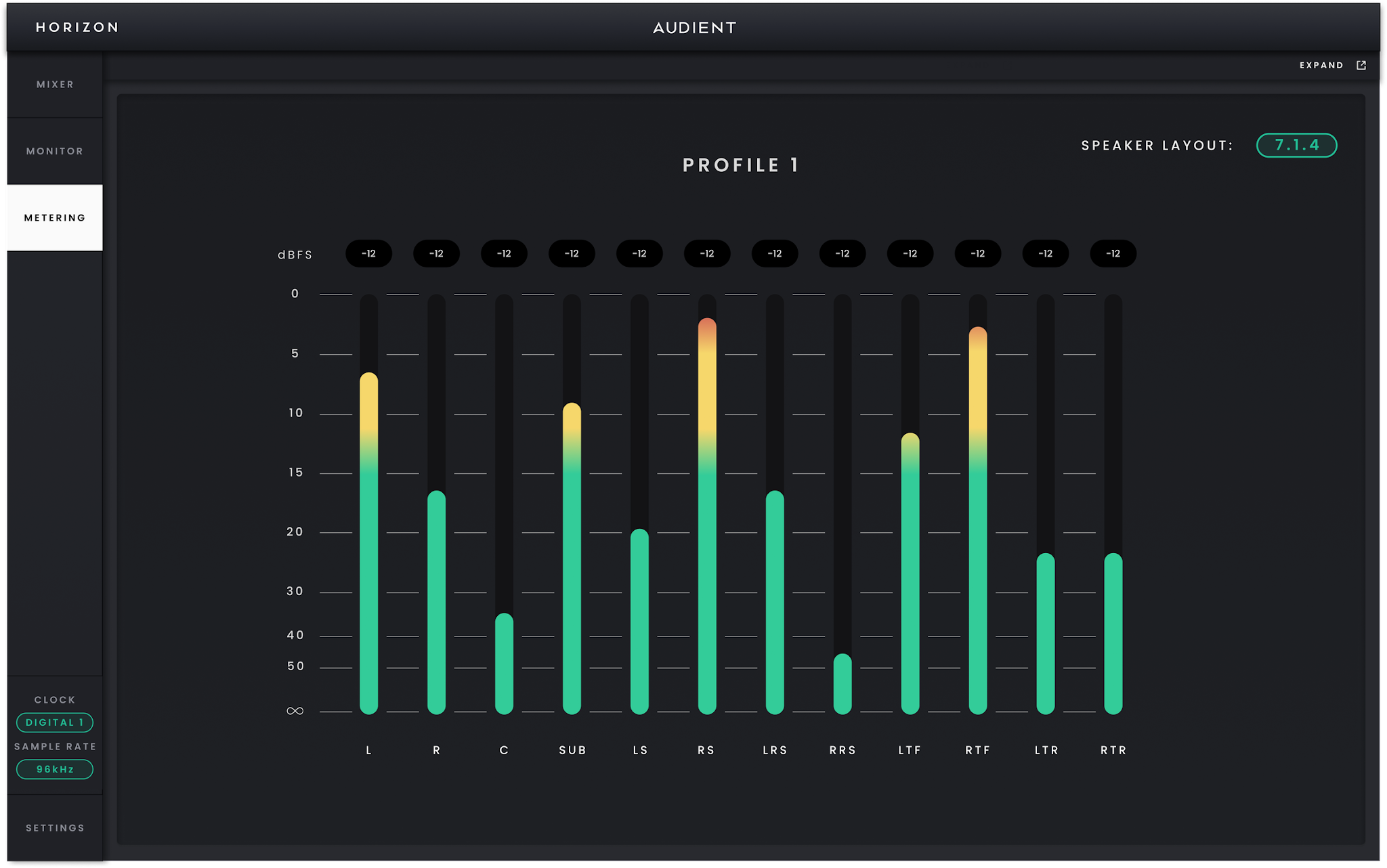
7.1.4 Metering view.
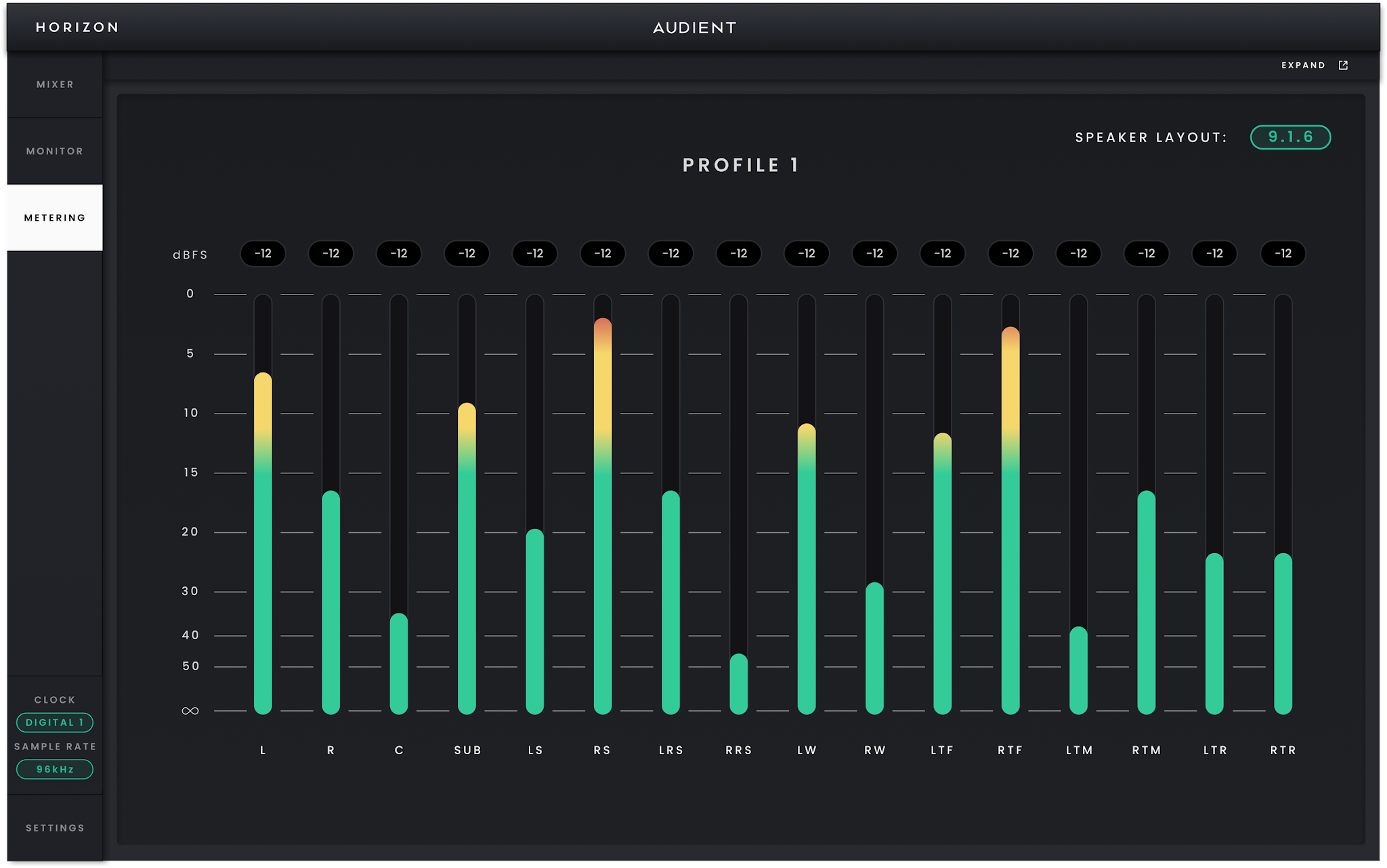
9.1.6 Metering view.
Use Metering when you want a clear view of the complete speaker output rather than the smaller channel meters in the Mixer. The page follows the currently active Monitor Profile and automatically adopts its Speaker Layout, so the meters you see always correspond to the speaker system you are listening to.
Example of the Metering view following a multichannel Speaker Layout.
Each speaker in the active layout has its own level meter and is shown in the appropriate speaker position. A stereo profile therefore presents a simple left/right view, while immersive layouts expand to show the additional centre, surround, height and LFE channels used by that profile.
This makes Metering useful for checking multichannel balances and confirming that signal is reaching the expected speaker positions after a Monitor Profile or routing change.
If you want to keep the meters visible while working elsewhere in Horizon Control, expand Metering into a separate window. Close and dock the window when you want to return it to the main application.