Rear Panel & Connections

Horizon 32 rear panel.
IEC power
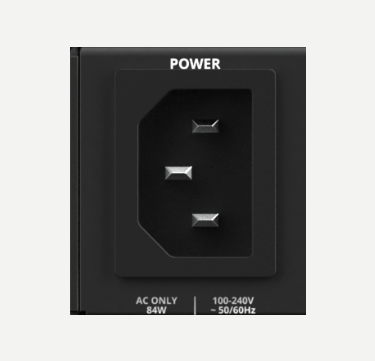
Horizon 32 is powered from a 100–240 VAC, 50/60 Hz IEC mains input.
Optical digital I/O
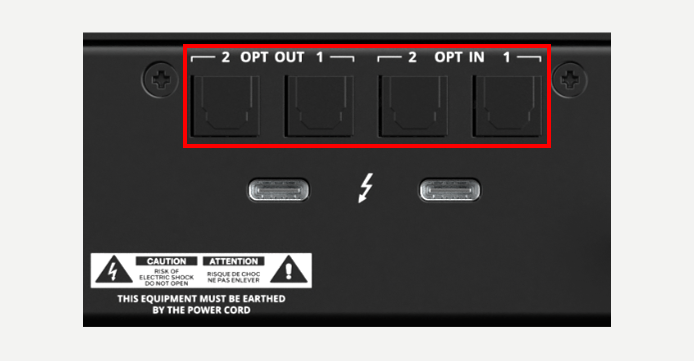
2 x optical digital inputs and 2 x optical digital outputs.
Select ADAT or S/PDIF mode in Hardware Settings for the selected Horizon device. In ADAT mode, the available channel count changes with sample rate; in S/PDIF mode, the digital I/O is reduced to two channels. Horizon Control updates the visible digital channels and Routing Matrix to match the selected mode.
Thunderbolt ports
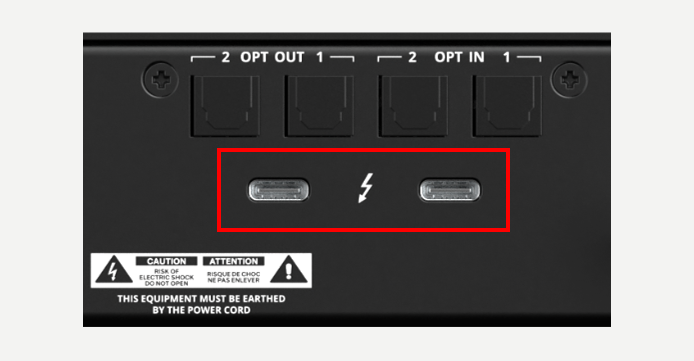
2 x Thunderbolt ports provide host audio/data connection and allow Horizon devices to be daisy-chained.
Connect the first Horizon device to the host, then use its second Thunderbolt port to connect the next Horizon device. Further Horizon units can then be added to the chain using an available Thunderbolt port on the preceding device. Thunderbolt carries the host connection between Horizon devices; digital clock synchronisation for a multi-Horizon chain is handled separately using word clock.
Word clock input
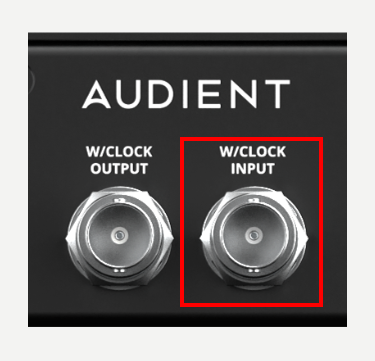
1 x BNC word clock input. Daisy-chained Horizon devices are synchronised to the Primary Horizon via word clock.
Word clock output
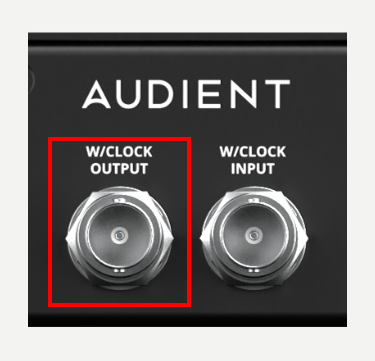
1 x BNC word clock output, used to send clocking information to Horizon devices or third-party digital expanders.
TRS line inputs 33–34
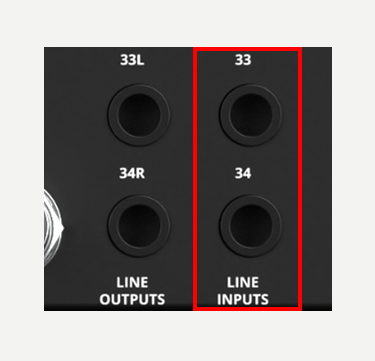
2 x TRS analogue line inputs. These appear as input channels 33–34 in Horizon Control.
TRS line outputs 33–34
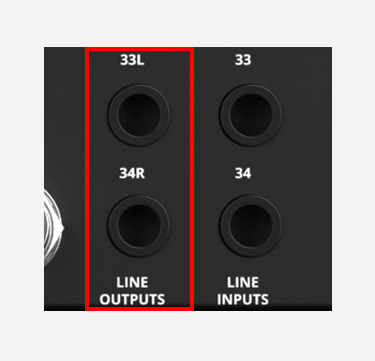
2 x TRS analogue outputs provide the dedicated monitor-output pair on channels 33–34. When Horizon 32 is the Primary monitoring device, these outputs are identified as monitor outputs 33–34 in Horizon Control and the Routing Matrix.
D-sub line inputs 1–32
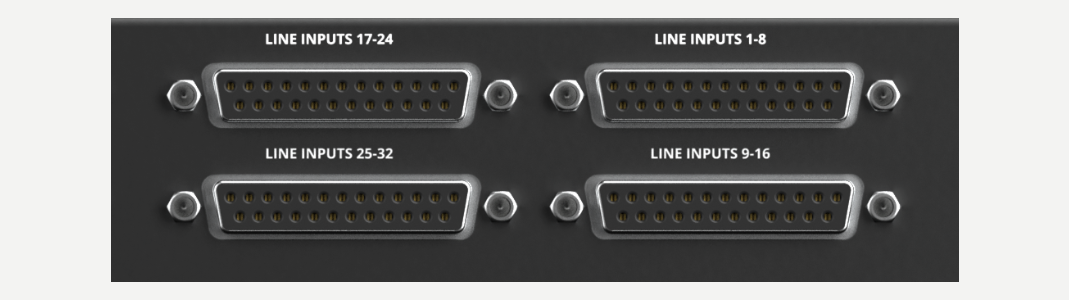
32 x analogue line inputs via 4 x Tascam-format D-sub connectors. All 32 inputs can be used at the same time. They appear as channels 1–32 in Horizon Control and are divided into 8-channel banks for the analogue reference-level settings in Hardware Settings.
D-sub line outputs 1–32
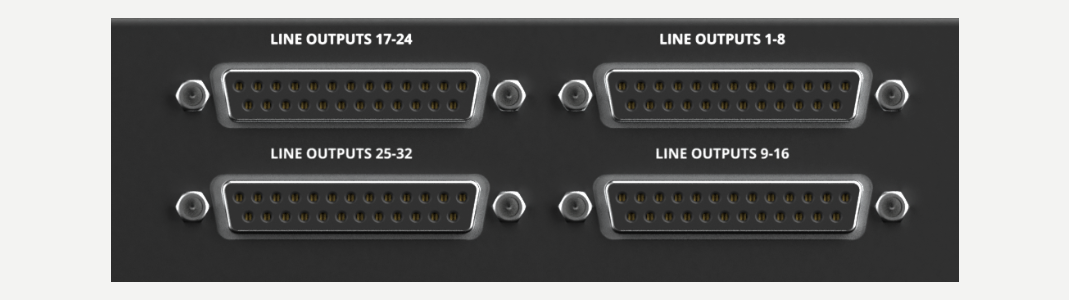
32 x analogue line outputs via 4 x Tascam-format D-sub connectors. All 32 outputs can be used at the same time. They appear as destinations 1–32 in the Horizon 32 Routing Matrix and are divided into 8-channel banks for the analogue reference-level settings in Hardware Settings. Every analogue D-sub input and output bank uses the Tascam/AES59 pinout: channel 1 +/−/screen = 24/12/25; channel 2 = 10/23/11; channel 3 = 21/9/22; channel 4 = 7/20/8; channel 5 = 18/6/19; channel 6 = 4/17/5; channel 7 = 15/3/16; channel 8 = 1/14/2. Pin 13 is unused. Use balanced analogue Tascam-standard DB25 cables, looms or breakout cables.