Hardware and Connections
Rear-panel connections
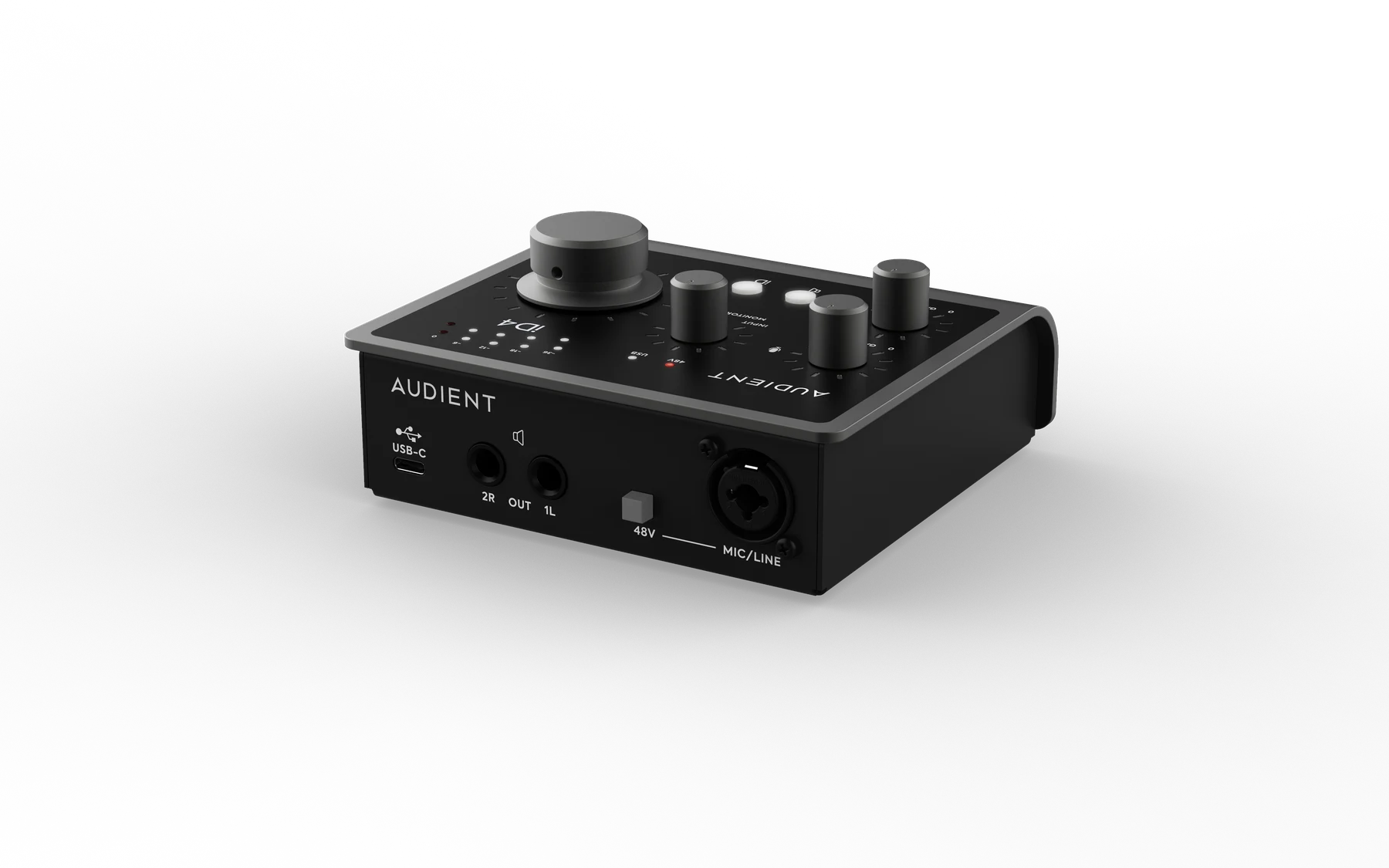
Mic/line input
iD4 MKII has one rear-panel XLR/TRS combo input connected to its Audient Console Mic Preamp.
- Use XLR for microphones.
- Use 1/4-inch TRS for balanced line-level sources.
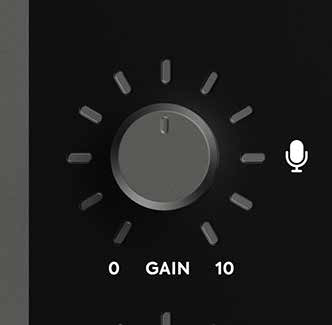
The microphone preamp provides up to 58 dB of gain.
48V phantom power
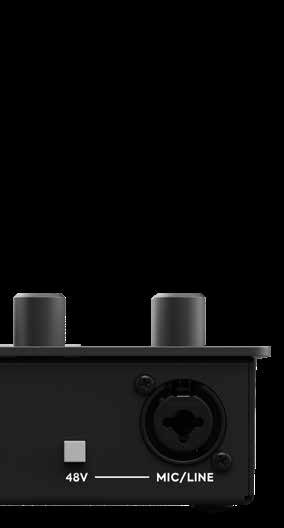
If your microphone requires phantom power, press the +48V switch beside the mic/line input. The +48V indicator illuminates red when phantom power is active.
Check the documentation for your microphone before enabling phantom power. Some microphones do not require phantom power and, in rare cases, equipment can be damaged by receiving phantom power when it should not.
iD4 MKII provides 48 V ±4 V at up to 10 mA.
Instrument input
Connect guitars, basses and other instrument-level sources to the front-panel 1/4-inch instrument input. This is input channel 2 and uses a discrete Class-A JFET input stage.
Speaker outputs
Connect powered monitors or other line-level equipment to the rear-panel left and right balanced 1/4-inch TRS outputs.
The speaker-output level is controlled by the main volume encoder. See Monitoring and Controls.
Headphone outputs
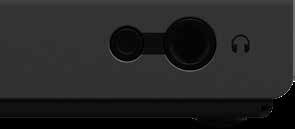
iD4 MKII provides 6.35 mm and 3.5 mm headphone sockets on the front panel. Both sockets carry the same headphone signal and can be used simultaneously.
The headphone level is controlled by the main volume encoder.
USB connection
iD4 MKII is bus powered through its rear USB-C port.
You can connect it to:
- USB-C using the supplied USB-C to USB-C cable
- USB-A 3.0 using a USB-C to USB-A cable
A USB-C to USB-A cable is not supplied. For USB-A operation, the USB port must provide at least 900 mA as specified for USB 3.0. USB-A operation still supports full phantom power.
USB-C can provide additional available power, allowing a higher maximum headphone-output level.
USB status LED
A solid white USB status LED indicates stable communication between iD4 MKII and the connected device.
Kensington security slot
iD4 MKII includes a Kensington security slot for use with a compatible security lock.