Presets, Standalone Operation and Firmware
Mixer configurations
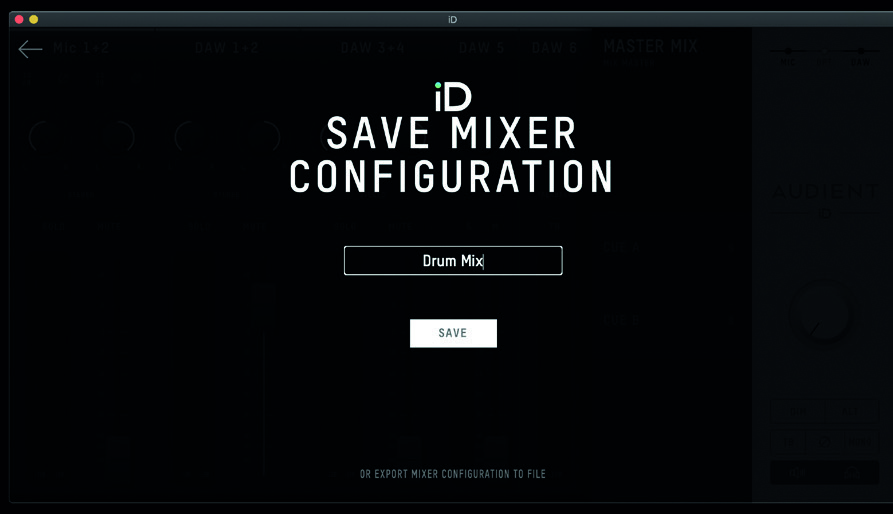
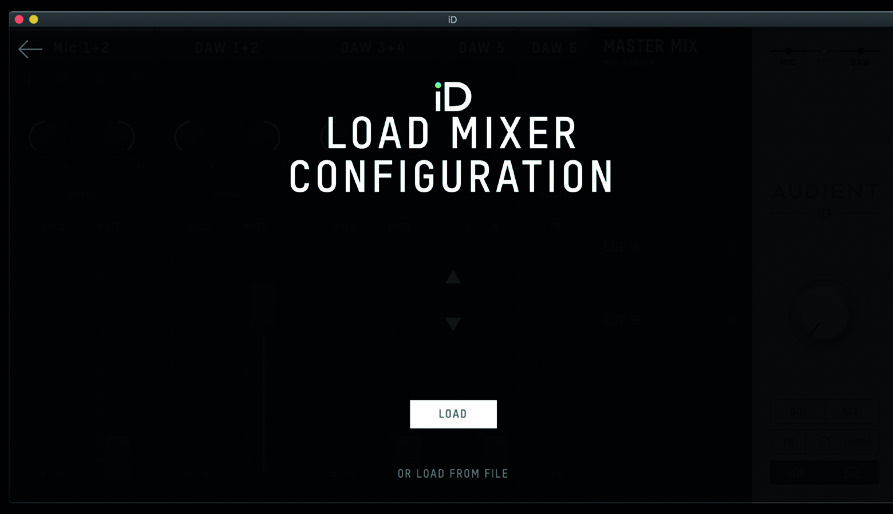
The iD Software Mixer can save configurations so that mixer and routing setups can be recalled later.
Save a configuration
Use:
- File > Save
- Cmd + S on macOS
- Ctrl + S on Windows
Enter a name for the configuration and save it.
Mixer configurations can also be exported as files for backup, transfer between systems or storage alongside a DAW project.
Load a configuration
Use:
- File > Open
- Cmd + O on macOS
- Ctrl + O on Windows
Select the required saved configuration and load it.
To load an exported configuration, use the option in File > Open to open a mixer configuration from a file.
Standalone operation
iD44 MKII can operate without a host computer after a mixer configuration has been stored in the interface.
Before storing the standalone state, configure the required:
- mixer settings
- digital I/O settings
- output routing
- Talkback settings
Store the standalone state
- Connect iD44 MKII to the computer and open the iD Software Mixer.
- Configure the mixer and System Panel as required.
- Open Setup.
- Select Store Standalone State.
- Allow the configuration to be stored in iD44 MKII.
The stored configuration is recalled when iD44 MKII is next powered on. Once configured, iD44 MKII can operate from its 12 V power supply without a USB host connection.

iD application menu
The iD icon in the macOS menu bar or Windows system tray provides quick access to the mixer and commonly used device settings.
On Windows, the iD application also provides access to sample-rate and ASIO buffer settings.
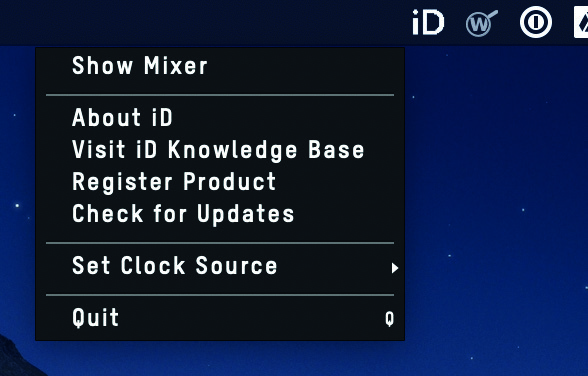
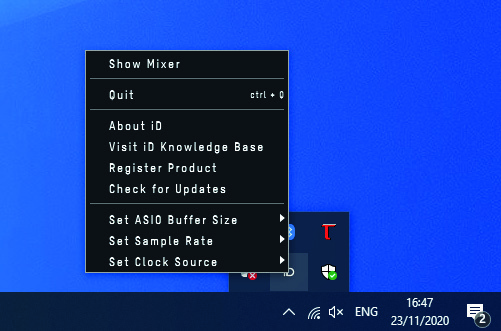
Menu appearance and available items can vary with the installed iD software version.
Firmware updates
Use Check for Updates in the iD application to check for available iD44 MKII firmware.
See Installation and Firmware for the full firmware-update procedure.