MONITORING
Monitoring and Hardware Controls
Line outputs
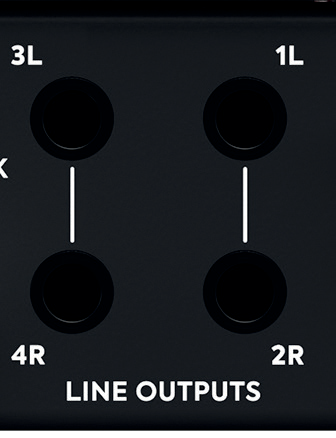
Four rear-panel balanced TRS line outputs are fed from high-quality DACs and use an impedance-balanced output topology derived from the ASP8024-HE console. They can feed main and alternate monitors, or up to four mono/two stereo hardware-processing paths configured in the iD mixer.
Balanced cabling is recommended. Avoid unbalanced TS or RCA connections where possible to minimise noise.
Headphone outputs
Two independent high-current headphone amplifiers are fed by separate DACs.
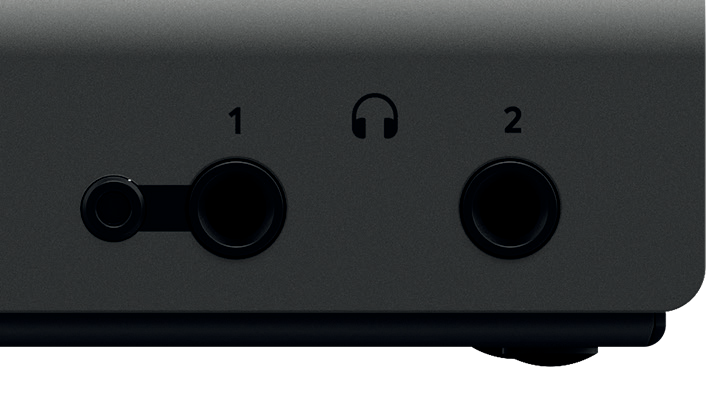
- Headphone 1: available simultaneously on front-panel 6.35mm and 3.5mm sockets. Two pairs can be connected at once, carrying the same signal.
- Headphone 2: available on its own 6.35mm socket.
Both outputs can be used for mix checking or separate artist cue mixes and are designed to drive a wide range of headphone impedances.
Monitor controller
The main encoder provides matched stereo level control. Dedicated Dim and Cut buttons are always available, while three programmable F-keys can access other monitoring functions.
Available functions include:
- Main volume
- ALT speaker switching with programmable trim
- Dim with programmable attenuation
- Cut
- Mono sum
- Polarity reverse for Mid/Side checks
- Talkback
Using polarity reverse with Mono allows sum-and-difference listening for checking mono compatibility and analysing stereo information.
iD button and ScrollControl
Press iD to turn the main encoder into a computer scroll wheel. Hover the pointer over a plug-in parameter, fader or other scrollable control and rotate the encoder. Behaviour and sensitivity depend on the DAW or plug-in and the computer's scrolling settings.

Talkback
Talkback can use any of the four analogue inputs, any digital input, or another audio device connected to the computer, such as a built-in or USB microphone. When Talkback is active, the selected source is sent through chosen Cue mixes to performers.
Using a separate computer microphone frees an iD44 input for recording. Detailed source and routing controls are in the System Panel.
Hardware metering and status
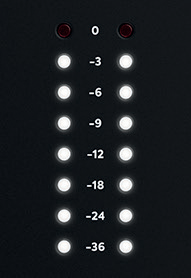
The eight-segment hardware meters display playback level from the iD mixer. Use DAW metering when judging recorded input level.
The USB status LED remains solid while communication with the computer is stable. If it extinguishes during use, check the USB and power connections.
Kensington lock
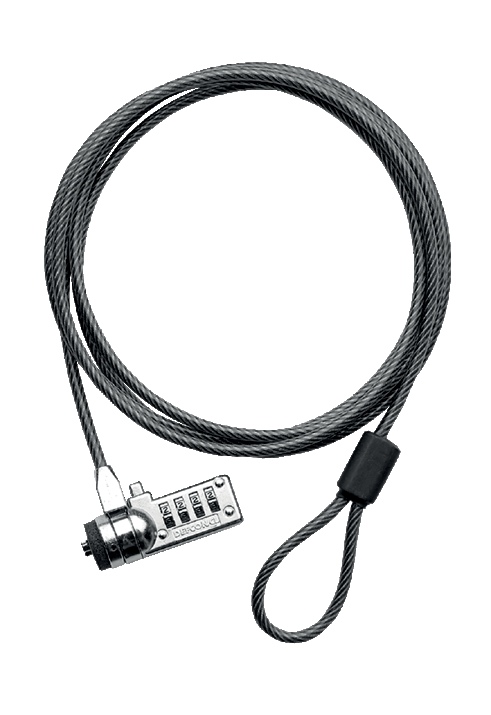
A Kensington security slot is provided for public-facing, educational or shared installations.