Hardware and Connections
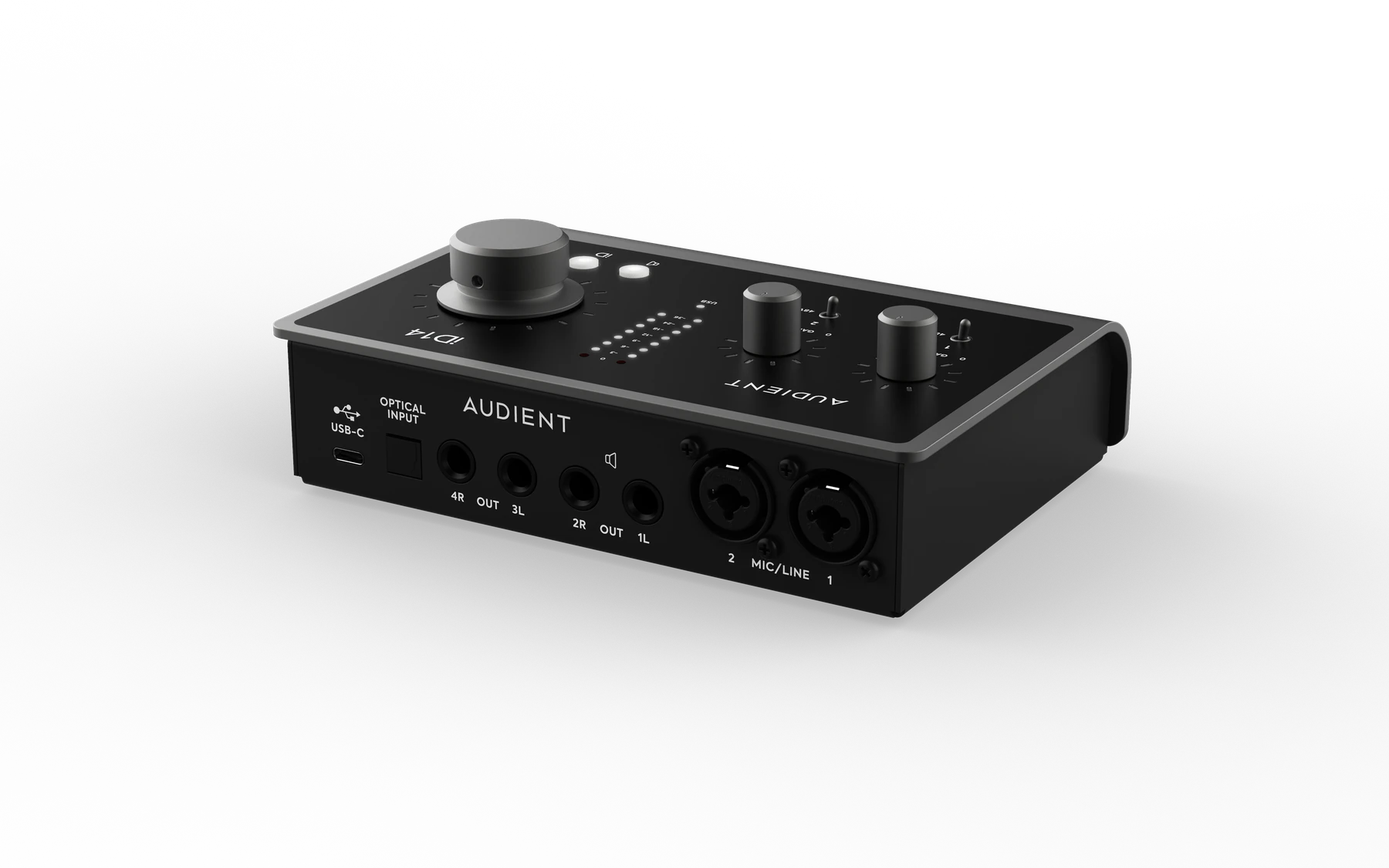
Mic/line inputs
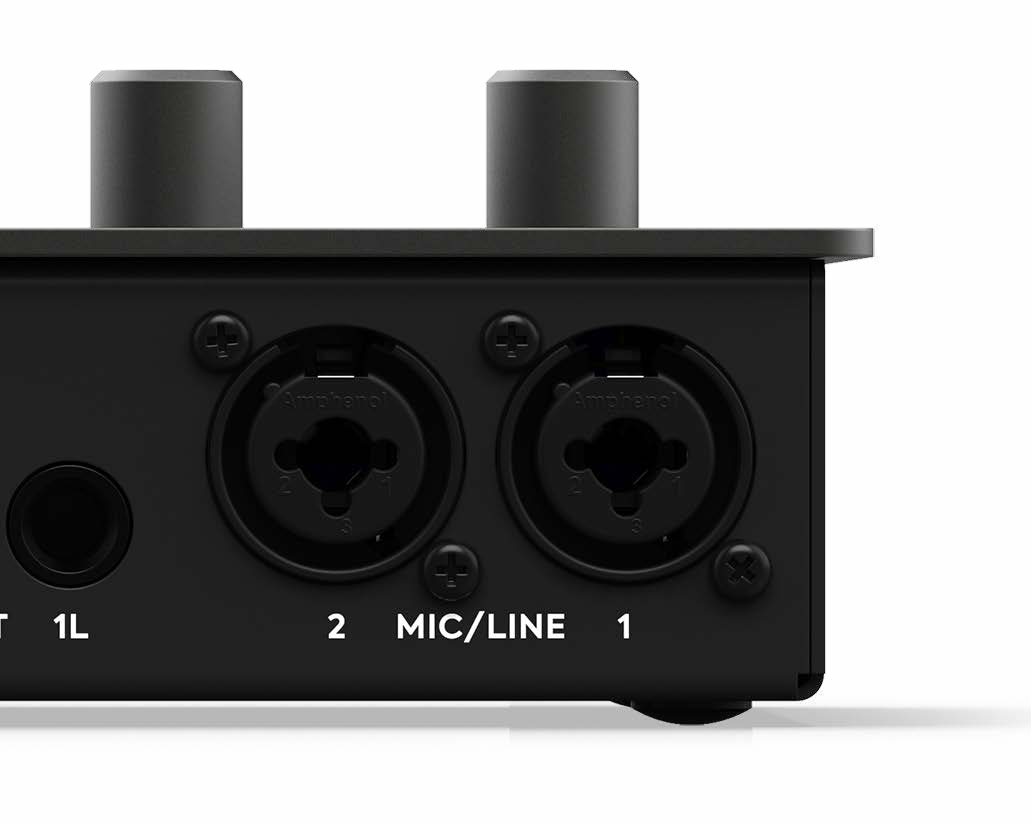
iD14 MKII provides two rear-panel XLR/TRS combo inputs connected to Audient Console Mic Preamps.
Connect microphones using XLR and balanced line-level sources using ¼-inch TRS.
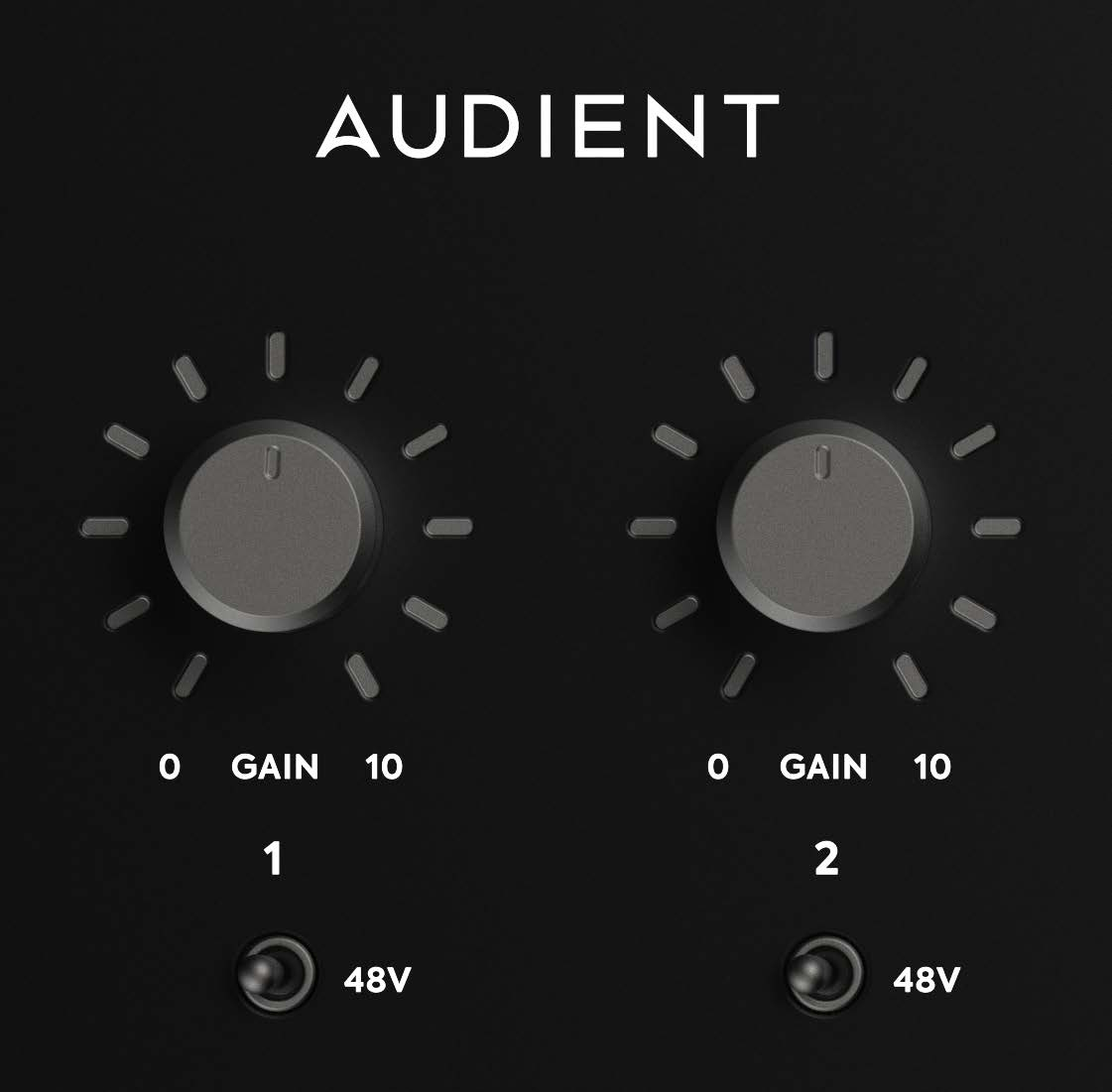
Each preamp provides up to 58 dB of gain.
48V phantom power
Each microphone input has independently switchable phantom power.
If your microphone requires phantom power, enable +48V for that channel. Check the microphone documentation before enabling phantom power.
iD14 MKII provides 48 V ±4 V at up to 10 mA per channel.
Additional analogue-input controls, including polarity reverse and +10 dB boost, are available in the iD Mixer.
Instrument input
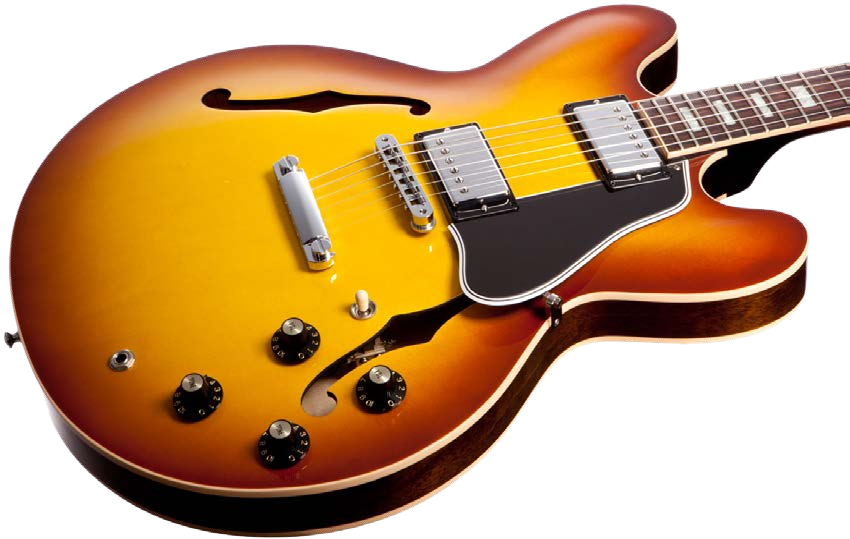
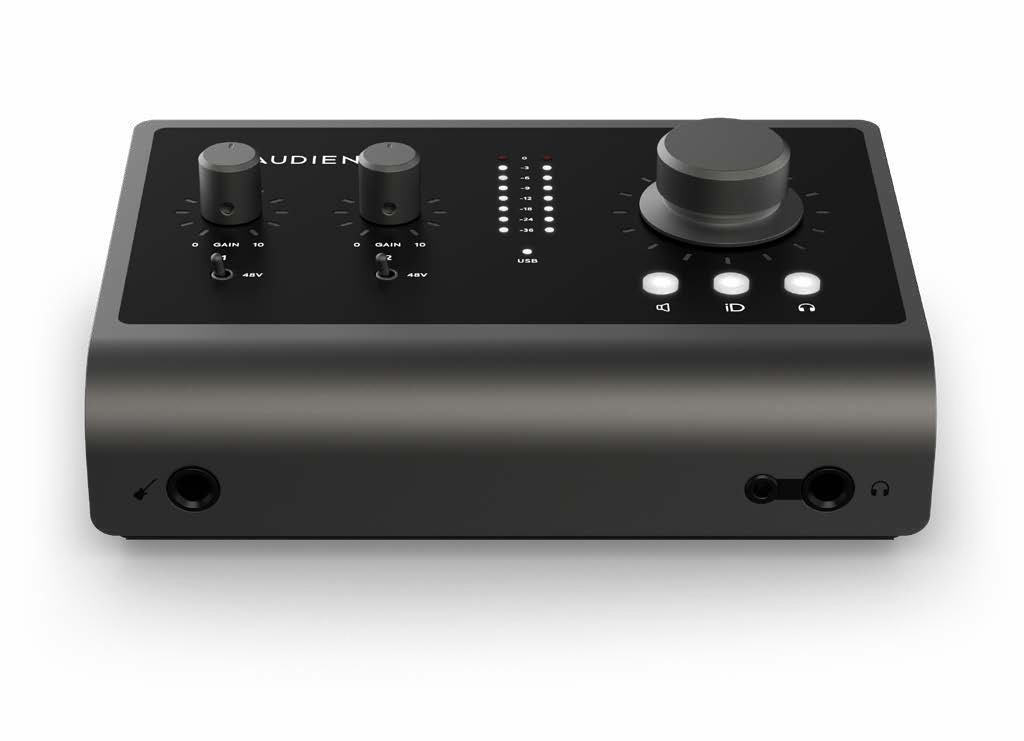
Connect a guitar, bass, or other instrument-level source to the front-panel ¼-inch instrument input.
The instrument input uses a discrete Class-A JFET stage and operates as channel 1. Connecting the front instrument input switches channel 1 from the rear mic/line input to the instrument input.
Headphones
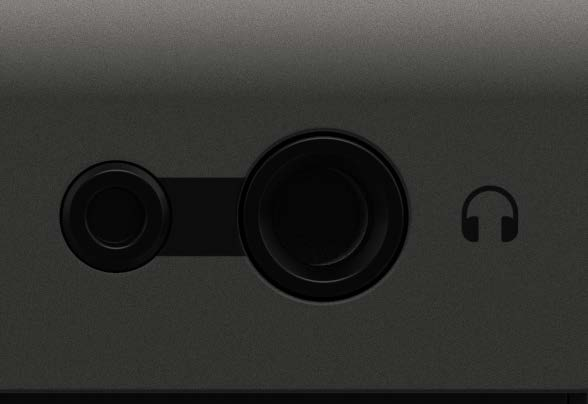
The headphone output is available from two front-panel sockets:
- 6.35 mm
- 3.5 mm
Both sockets carry the same headphone signal simultaneously.
Line outputs
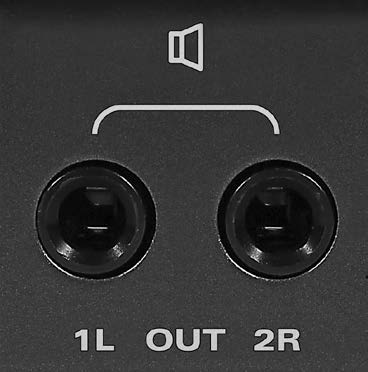
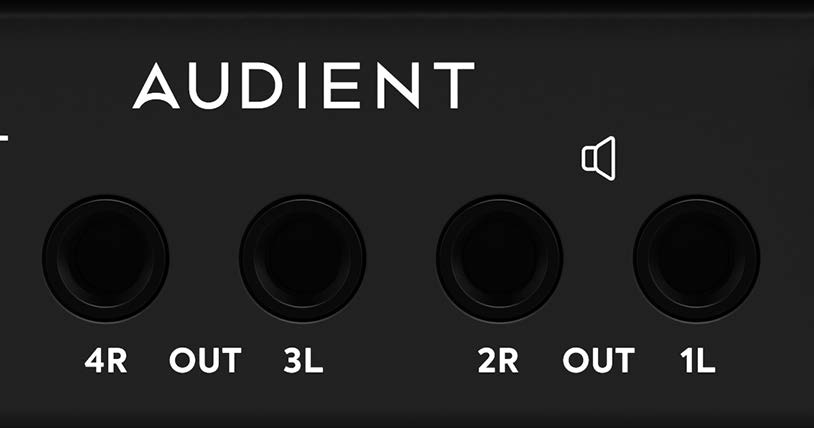
iD14 MKII provides four balanced ¼-inch TRS line outputs on the rear panel.
These outputs can feed powered monitors or other line-level equipment. Routing is configured in the iD Mixer.
See System Panel and Routing for output routing and alternative-speaker configuration.
Optical digital input
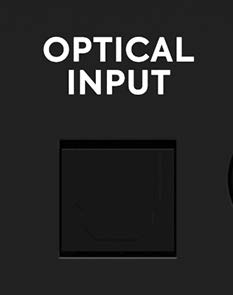
The rear optical input supports ADAT and optical S/PDIF.
- At 44.1 and 48 kHz, ADAT provides up to eight digital input channels.
- At 88.2 and 96 kHz, ADAT provides up to four channels using SMUX.
- Optical S/PDIF provides two channels at sample rates up to 96 kHz.
When receiving digital audio through the optical input, iD14 MKII must synchronise to the clock supplied by the connected digital device.
See System Panel and Routing for digital-format and clock-source configuration.
USB connection
iD14 MKII is powered through its rear USB-C connection.
Connect it to:
- USB-C using the supplied USB-C to USB-C cable
- USB-A 3.0 using a USB-C to USB-A cable
A USB-C to USB-A cable is not supplied.
A USB-A connection must provide at least 900 mA at 5 V. A suitable USB-C connection can provide up to 1.5 A at 5 V, allowing greater headphone-output headroom.
USB status LED
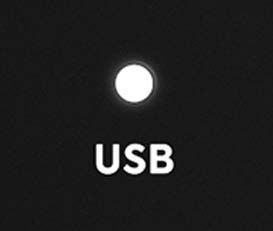
The white USB status LED indicates communication between iD14 MKII and the computer.
A solid white LED indicates a stable USB connection.
Kensington security slot
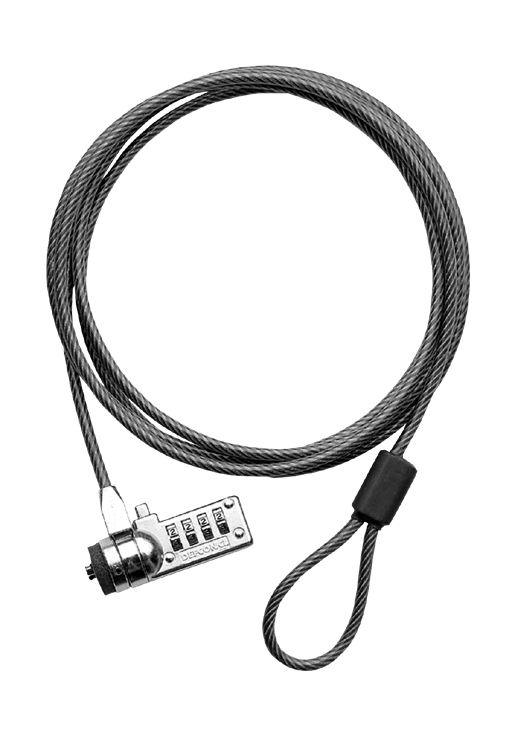
iD14 MKII includes a Kensington security slot for use with a compatible security lock.