Rack Mounting
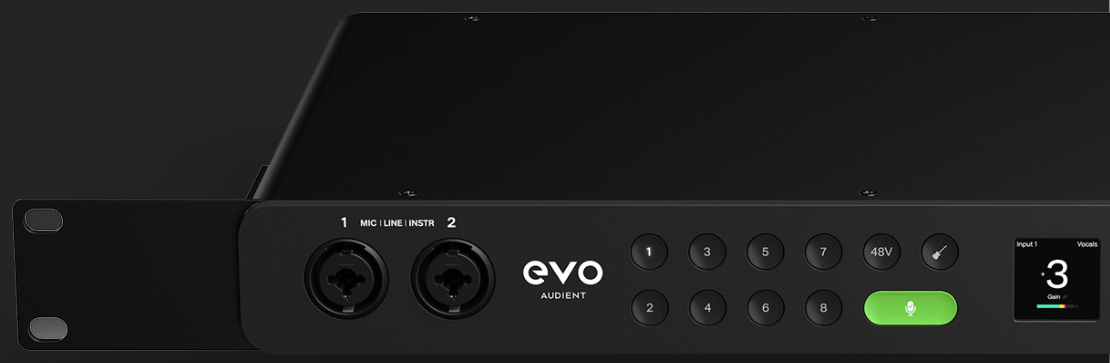
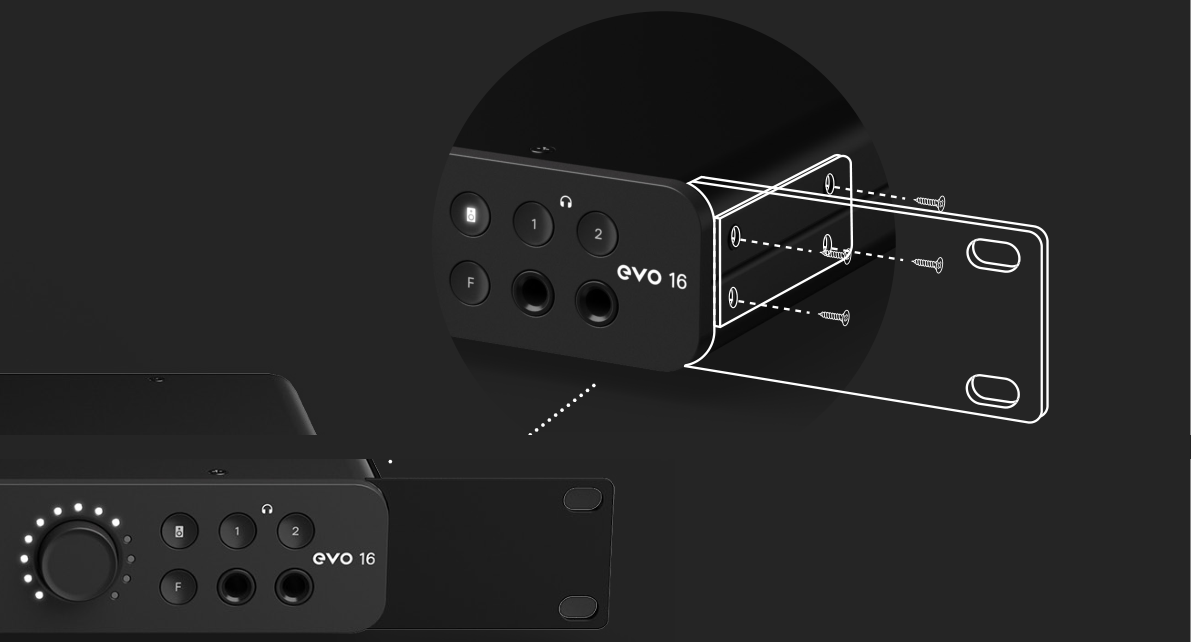
EVO 16 can be installed in a standard equipment rack using its rack-mount ears. Fit both ears securely and allow suitable ventilation around the interface.
Rack installation
Tools required
- 3 mm hex driver or key
- Pozidriv screwdriver
Install the rack-mount ears
- Use a 3 mm hex driver to remove the two screws on one side of EVO 16 near the front of the unit.
- Position the rack ear so its four screw holes align with the four holes in the side of EVO 16.
- Insert the four supplied M4 screws and tighten them until firm.
- Repeat the procedure for the other rack ear.
- Use a Pozidriv screwdriver to remove the rubber feet from the underside of EVO 16 before installing it in the rack.
Do not install EVO 16 directly above or below equipment that produces significant heat, such as valve outboard equipment or multichannel converters, without suitable ventilation space.
The rack-mounting section of the V2.4 manual recommends at least 1U of free rack space above and below EVO 16 and keeping the side air vents unobstructed. The manual's separate safety-placement section specifies additional clearance requirements around the unit. Review Safety and Compliance when planning the rack installation and keep the unit away from radiators, heat registers, stoves, amplifiers and other heat sources.
Racks used for transport
If the rack will be transported regularly, such as in live-audio applications, provide additional physical support for EVO 16 inside the rack. A rack tray or suitable side supports can reduce the load placed on the rack ears and help minimise the risk of damage during transport.
Next steps
Continue to Optical Inputs, Outputs and Clocking when configuring digital expansion or external clocking.