Front-panel metering
ORIA’s Motion UI display provides metering for its speaker and headphone outputs, digital inputs and two analogue inputs.
Cycling through the metering views
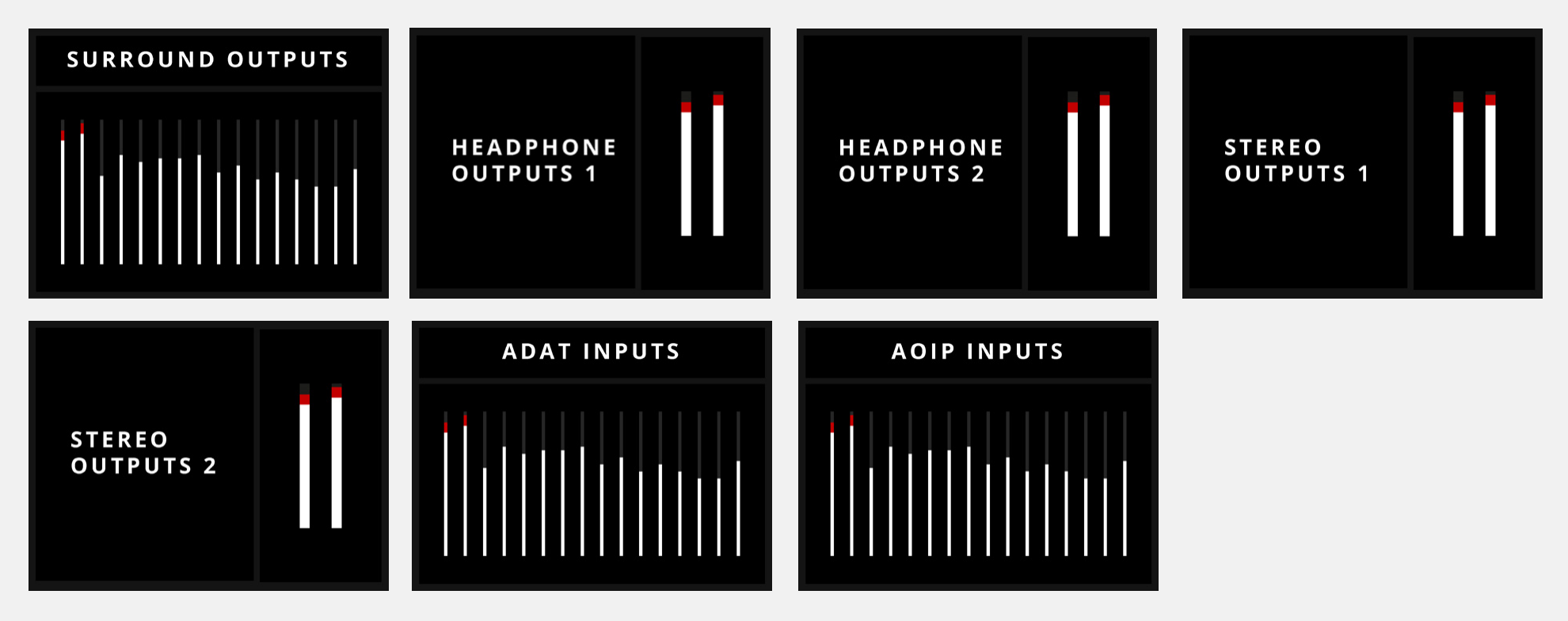
Press the Control Wheel repeatedly to cycle through the available metering views:
- Surround Outputs
- Headphone Outputs 1
- Headphone Outputs 2
- Stereo Outputs 1
- Stereo Outputs 2
- ADAT Inputs
- AoIP Inputs, when the optional Dante card is fitted
Default speaker metering
After three seconds without any hardware interaction, the display returns to metering the outputs used by the currently selected speaker configuration.
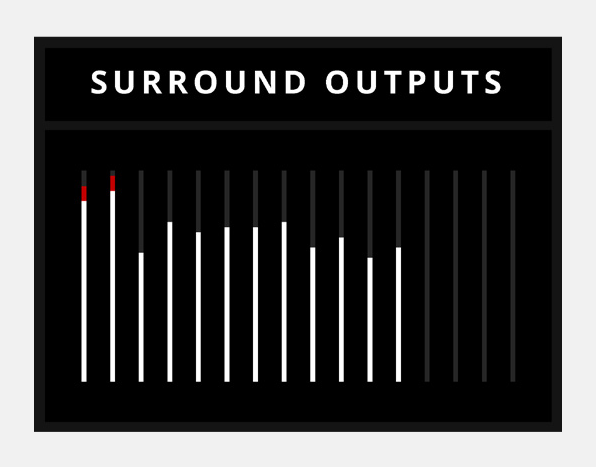
Unused surround channels
When the active surround configuration uses fewer than 16 output channels, the unused channels are greyed out on the Surround Outputs meter.
Metering inputs 1 and 2
To view the analogue-input meters:
- Press the 1 or 2 Channel Select button.
- Press the Control Wheel.
The Inputs view displays the current signal levels for Inputs 1 and 2.

Next steps
Continue to Digital I/O and Clocking for information about ORIA’s ADAT, AES and word-clock connections.