Firmware updates
Audient may release firmware updates to add features, resolve problems and maintain compatibility with operating-system and software updates.
Before you begin
To update ORIA, you need:
- ORIA connected to the computer through USB
- ORIA switched on
- The Audient DFU application for macOS or Windows
- An internet connection when updating directly from Audient
Disconnect any other Audient hardware from the computer before beginning the update.
Download the current Audient DFU application from How to Update ORIA’s Firmware.
Updating ORIA
- Download the Audient DFU application for your operating system.
- Extract the downloaded file.
- Open the Audient DFU application.
- Select ORIA from the device list.
- Select From Audient.com as the update source.
- Select Start Upgrade.
- Wait while the update is downloaded and installed.
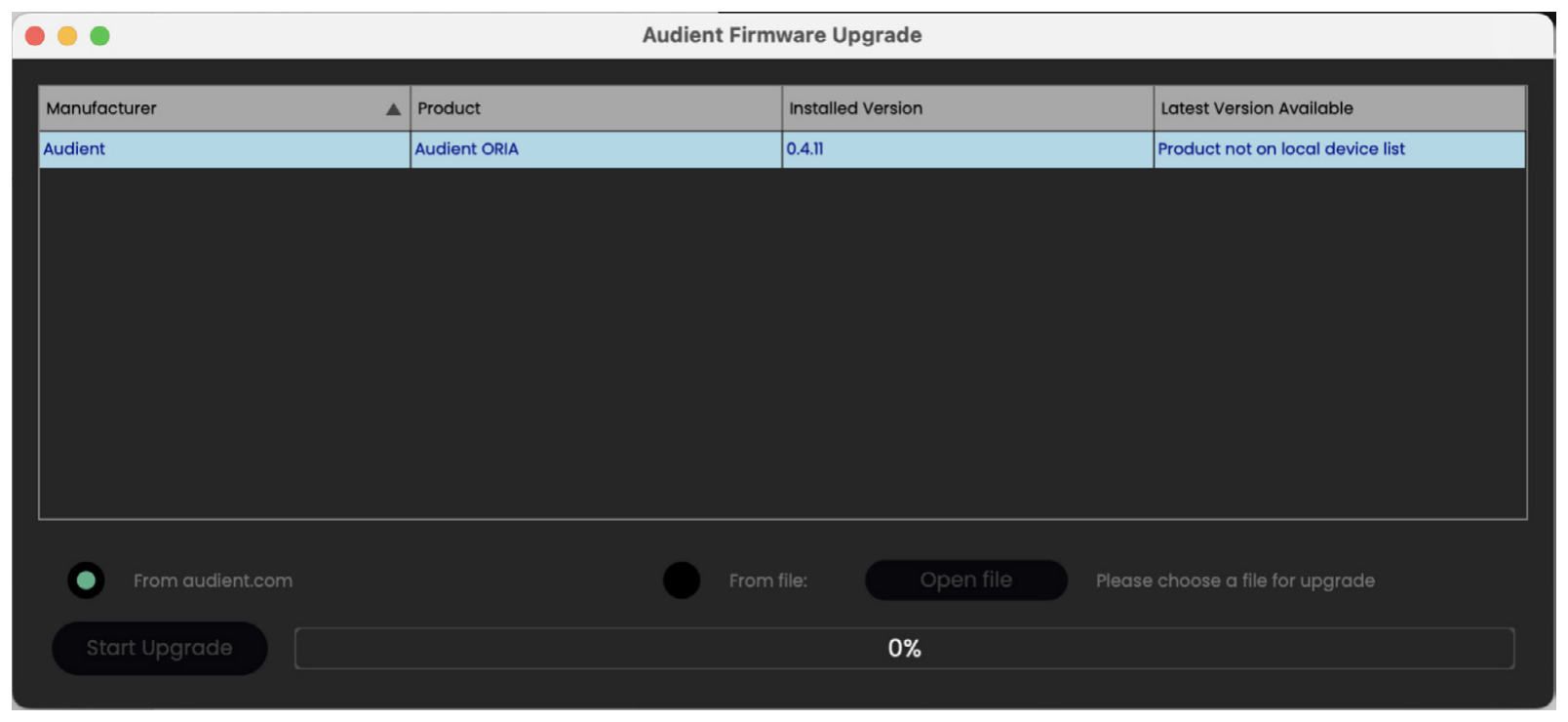
ORIA may restart several times during the update.
Wait until the progress bar reaches 100% and the updater confirms that the upgrade is complete.
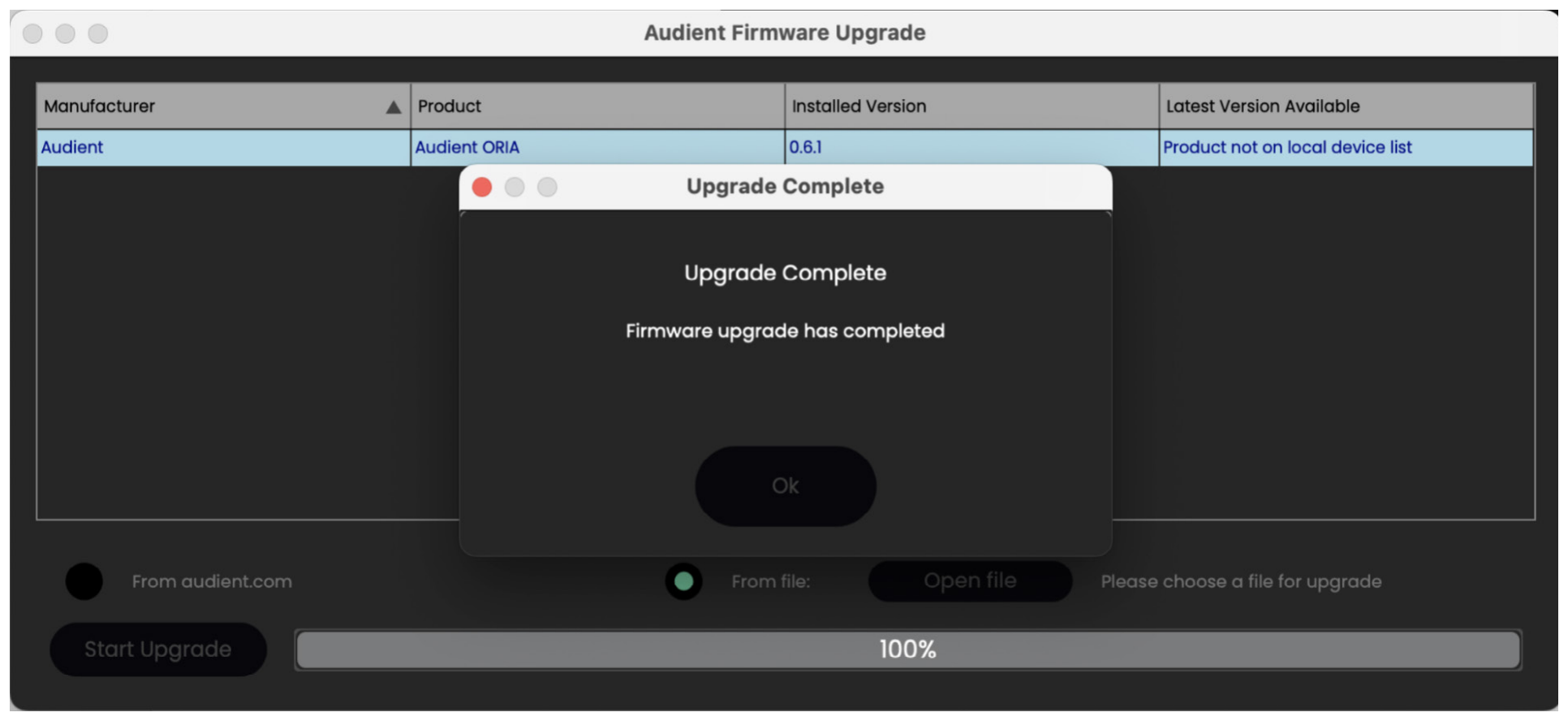
Close the Audient DFU application, then open ORIA Control and continue using ORIA.
Wait until the updater confirms that the process is complete before closing the application or using ORIA.
Updating without an internet connection
The Audient DFU application can install firmware from a local file.
Contact support@audient.com to request the appropriate firmware file and offline-update instructions.
Do not install firmware obtained from an unofficial source.
If the update fails
If the firmware update does not complete:
- Switch ORIA off.
- Wait a few seconds.
- Switch ORIA on again.
- Close and reopen the Audient DFU application.
- Repeat the update.
If ORIA does not appear in the device list, check its USB connection and try another USB port or cable.
Contact Audient Support if the update continues to fail.
Firmware changelog
The ORIA Firmware Changelog records the fixes and features included in each firmware release.
Check the changelog when you need to confirm which firmware version introduced or resolved a particular feature.
Next steps
Continue to ORIA Settings to configure ORIA’s front-panel display, Function Button and system options.