Mic preamps
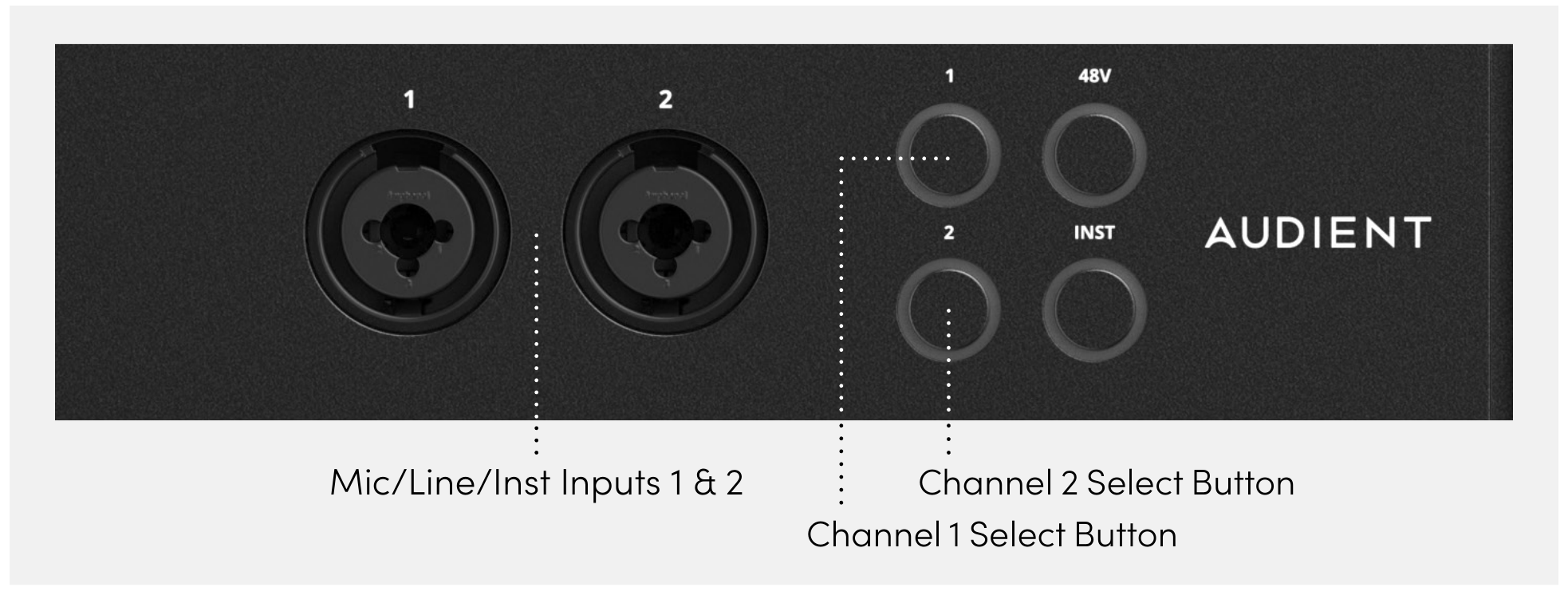
ORIA provides two Audient Console Mic Preamps through the front-panel combi inputs.
Each input can receive:
- A microphone-level signal through XLR
- A line-level signal through a ¼-inch TRS jack
- A high-impedance instrument signal through a ¼-inch jack with Instrument mode enabled
The microphone preamps provide up to 60 dB of gain.
Selecting an input
Press the 1 or 2 Channel Select button to select the corresponding input.
The gain, phantom-power, mute and instrument controls then apply to the selected channel.
Adjusting the gain
- Press the 1 or 2 Channel Select button.
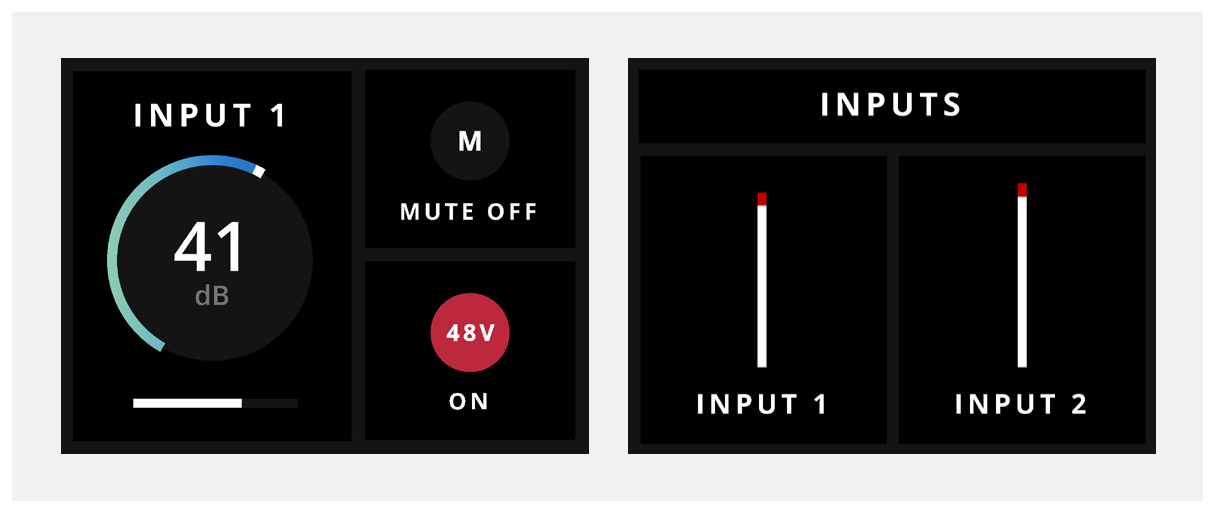
- Turn the Control Wheel to adjust the input gain.
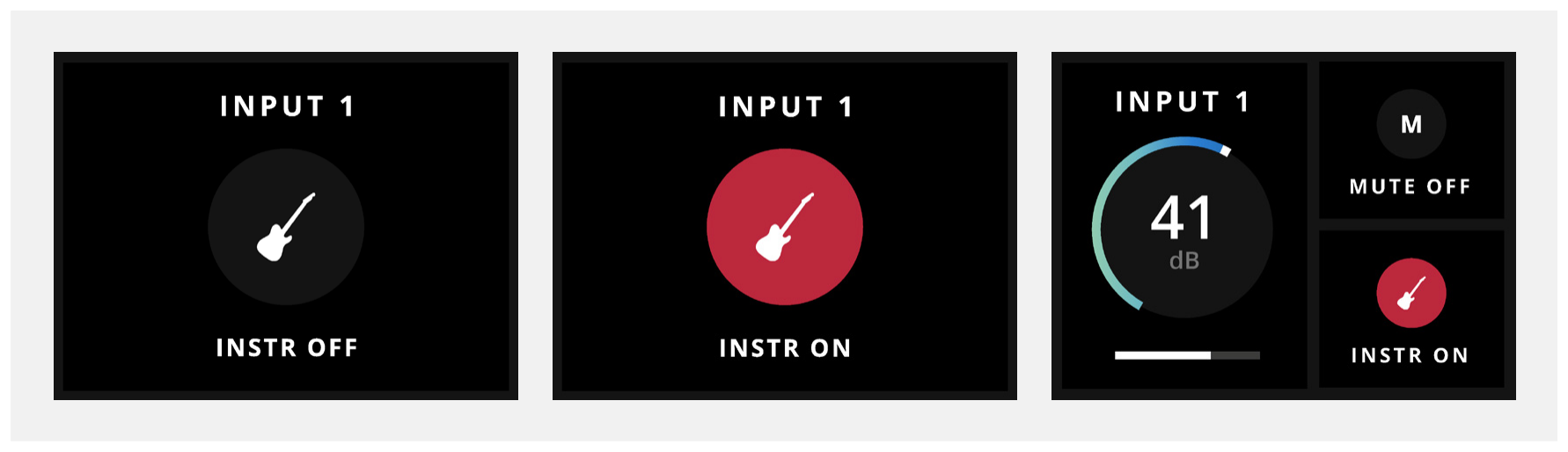
The Motion UI displays the selected input, its gain setting and the signal levels for Inputs 1 and 2.
The connector determines the normal input type:
- An XLR connection is received at microphone level.
- A TRS connection is received at line level unless Instrument mode is enabled.
Phantom power
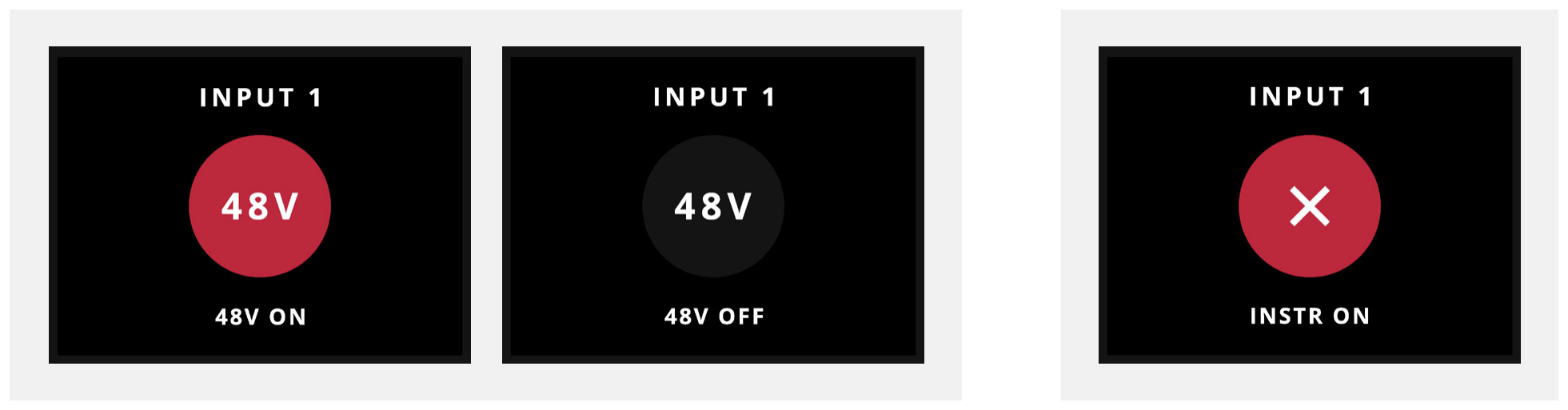
Press 48V to enable or disable phantom power for the selected microphone input.
When phantom power is enabled:
- The 48V button LED illuminates red.
- The Motion UI confirms that 48V is active.
Phantom power is only supplied through the XLR connection.
ORIA blocks phantom power while the selected channel is operating in Instrument mode.
Muting an input
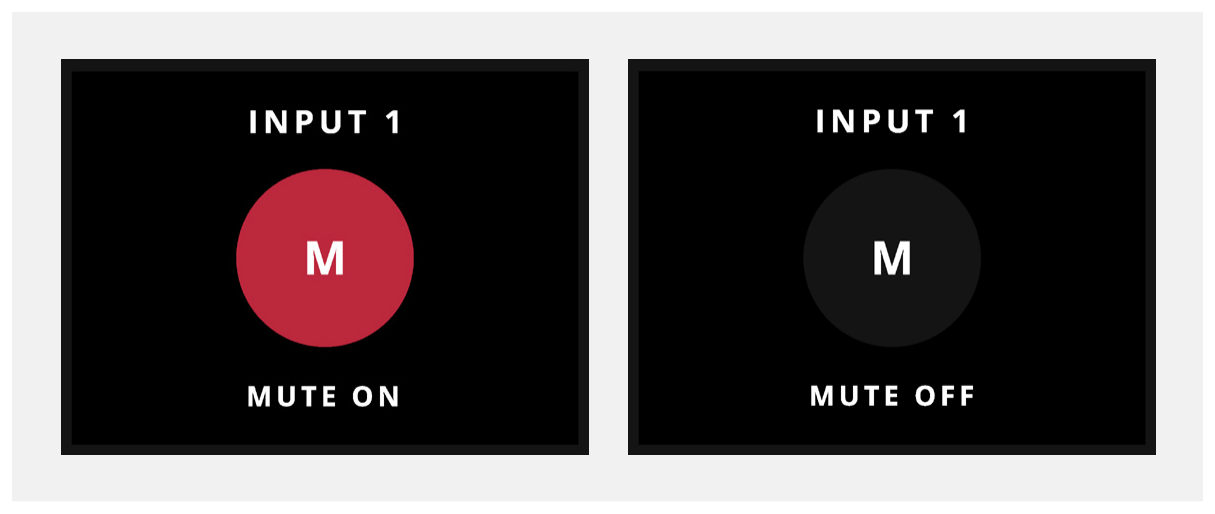
Press and hold the selected channel’s 1 or 2 button to mute or unmute its input.
The Channel Select button LED flashes white while the input is muted.
Instrument input
Press INST to enable or disable Instrument mode for the selected channel.
Instrument mode configures the input to receive a high-impedance instrument-level signal through ORIA’s JFET instrument input.
Use this mode when connecting a source such as an electric guitar or bass directly to ORIA.
Next steps
Continue to Speaker Monitoring to control ORIA’s speaker volume, Profiles, downmixing and monitoring functions.