Software installation and registration
ORIA Control provides access to ORIA’s advanced monitoring, calibration, mixer and system settings.
It is also used to create and manage Profiles.
Registering ORIA
Register ORIA through Audient ARC to access the latest software, drivers and bundled product resources.
-
Visit Audient ARC.
-
Select Register Your Product.
-
Create an ARC account or sign in to an existing account.
-
Check your inbox for the verification email.
You may need to check your spam or junk folder.
-
Verify your ARC account.
-
Enter the ORIA serial number and unique four-digit PIN found on the underside of the unit.
-
Complete the registration process.
Once ORIA is registered, its available software and product resources will appear in your ARC account.
Downloading the software
Download the latest ORIA software and Windows driver from the registered product resources in Audient ARC.
The ORIA Downloads page also provides access to ARC and the current ORIA documentation.
Software compatibility can change as operating systems and ORIA Control are updated.
Before installing, check the ORIA Downloads page and the ORIA Control Desktop Software Changelog.
macOS installation
ORIA works on macOS without requiring a separate audio driver.
Installing ORIA Control is strongly recommended because it provides access to ORIA’s advanced control and configuration functions.
- Download the macOS ORIA Control installer from ARC.
- Open the downloaded
.dmgfile. - Drag ORIA Control into the Applications folder.
- Open ORIA Control from the Applications folder.
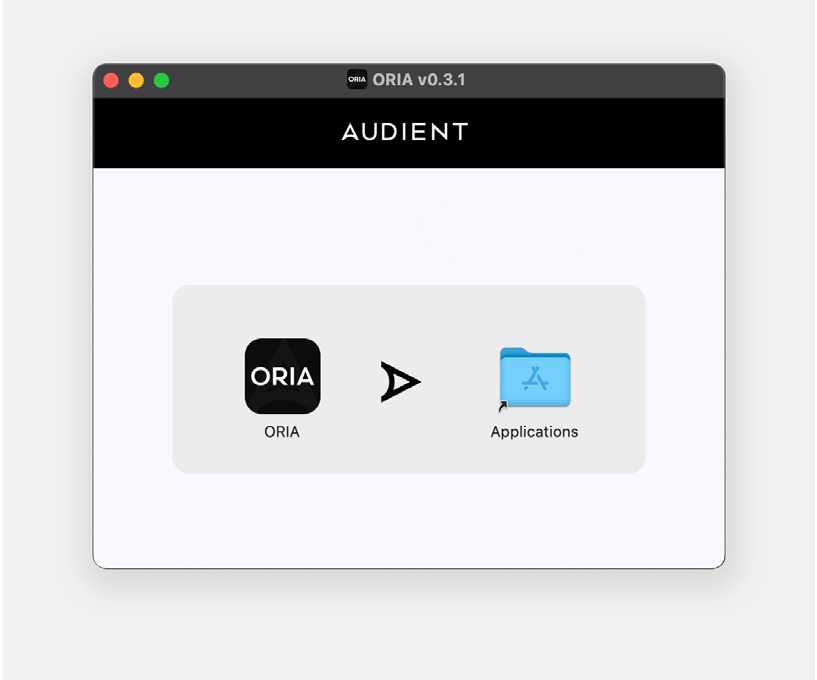
The installer appearance and version shown may differ from the current release.
Windows installation
ORIA requires an Audient driver when used with Windows.
- Download the latest ORIA Windows installer from ARC.
- Open the downloaded
.exefile. - Follow the instructions shown by the installer.
- Allow the installation process to complete.
- Select Finish.
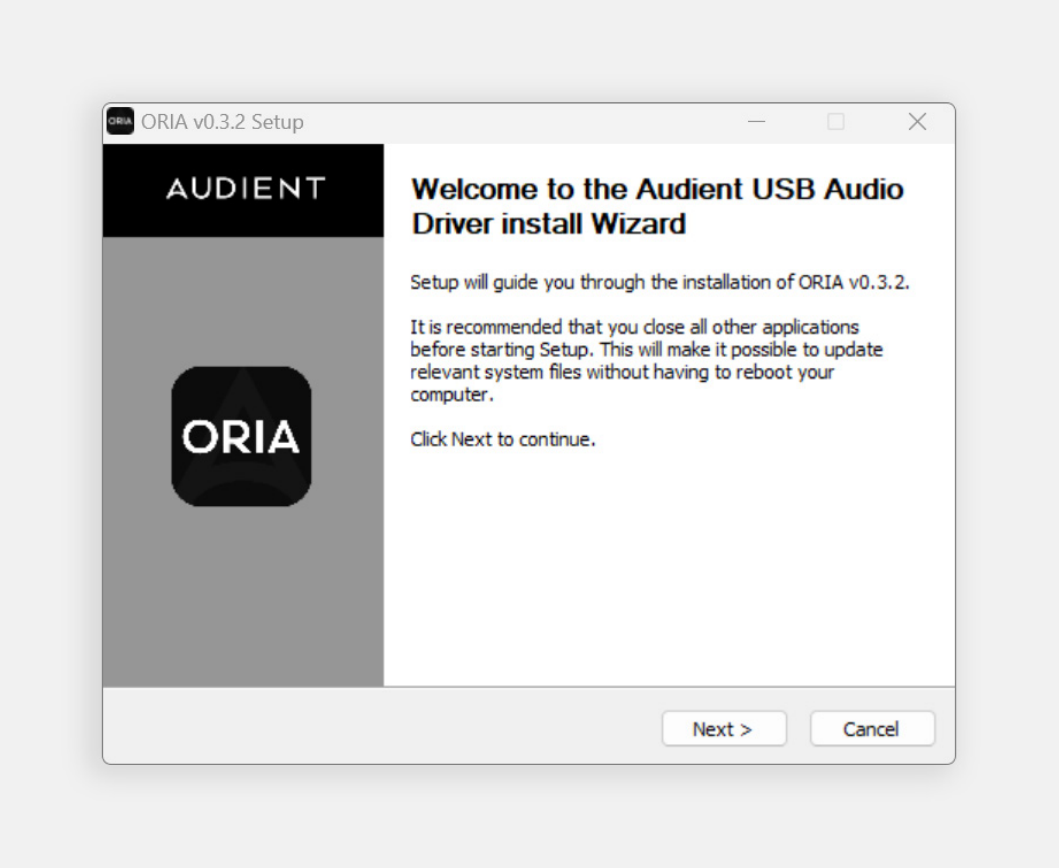
The installer appearance and version shown may differ from the current release.
Opening ORIA Control
After installation:
- Connect ORIA to the computer by USB.
- Switch ORIA on.
- Open ORIA Control.
Next steps
Continue to Multichannel Computer Setup to configure operating-system audio playback for stereo, surround or immersive monitoring.