Metering
ORIA Control displays the signal levels entering and leaving ORIA Mini.
Use the Metering controls to check:
- Input levels
- Output levels
- Output routing
- The effect of ORIA Mini processing
Metering settings are independent of Profiles and do not change when another Profile is selected.
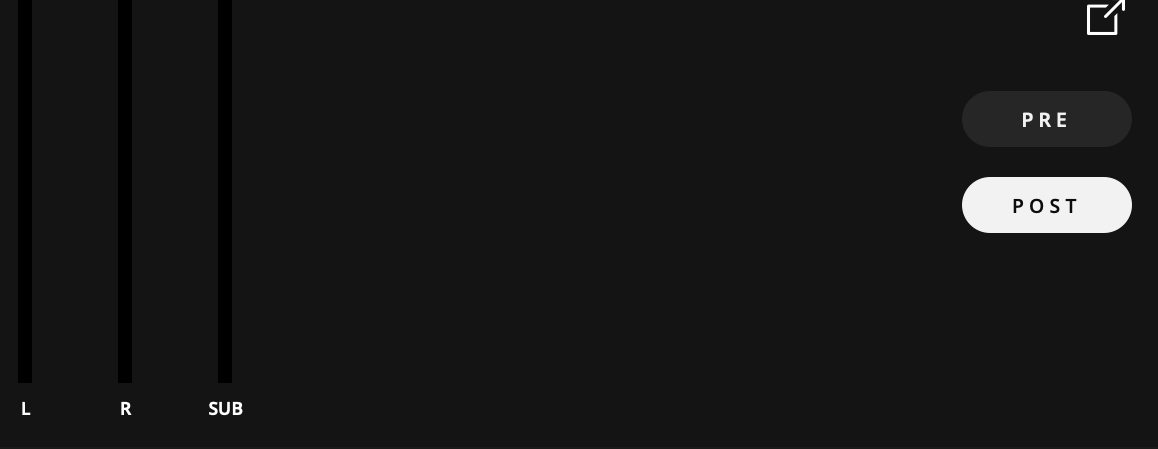
PRE Metering
Select PRE to view the signals entering ORIA Mini from the selected input source.
PRE is the default metering mode.
The Subwoofer meter is not displayed in PRE mode because there is no Subwoofer signal before crossover processing is applied.
POST Metering
Select POST to view the signals leaving ORIA Mini after its output processing.
POST metering includes the effect of:
- Speaker calibration processing
- Crossover processing
- Speaker Volume
In POST mode, the Subwoofer meter displays the signal being sent to the Subwoofer output after crossover processing.
Expanded metering window
Select the Expand button in the Metering panel to open the meters in a separate window.
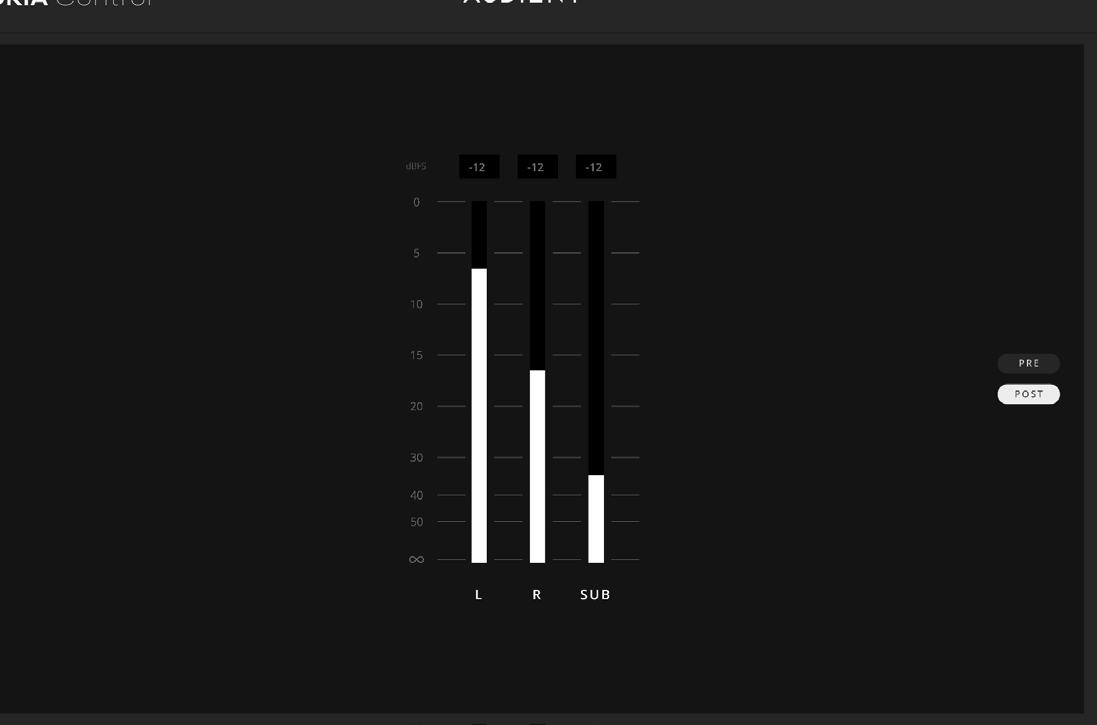

The expanded window provides:
- A dBFS scale
- Peak-level values
- A larger view of the ORIA Mini meters
The expanded window can remain in the foreground while mixing.