Monitoring controls
ORIA Control provides global and per-speaker controls for checking and managing the monitor output.
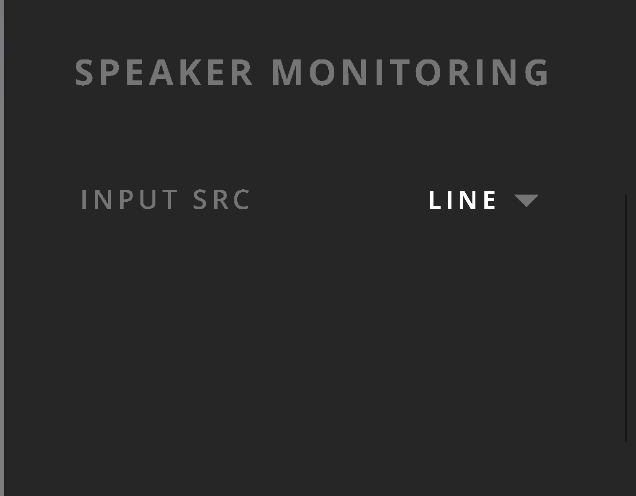
Input source
Select Line or S/PDIF to choose the active ORIA Mini input.
The selected input source is independent of the active Profile.
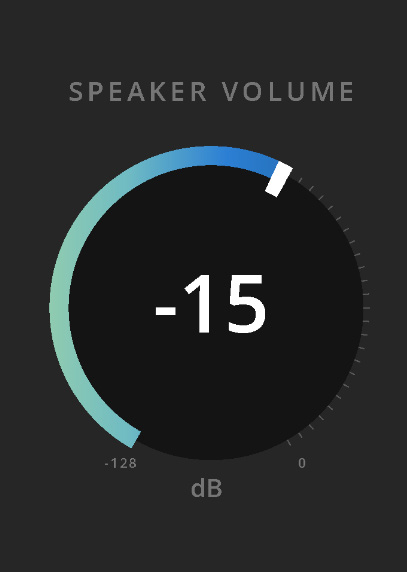
Speaker volume
Use Speaker Volume to adjust the overall output level.
Click and drag the control to change the level.
When using an external monitor-volume control, set ORIA Mini Speaker Volume to 0 dB.
Monitor controls

Mute
Select Mute to mute or unmute all speaker outputs.
Dim
Select Dim to reduce the speaker output by the amount configured using DIM Trim in the General System Panel.
See System Settings.
Mono
Select Mono to sum the left and right channels for mono-compatibility checking.
Polarity
Select Polarity to reverse the polarity of the left channel and sum the output to mono.
Centrally panned material cancels, allowing you to hear content that differs between the left and right channels.
Individual speaker controls
In the Room view:
- Left-click a speaker to mute or unmute it.
- Hold Shift and left-click a speaker to solo or unsolo it.
Muted speakers are shown in grey. When a speaker is soloed, the other speakers are shown in grey.


To clear all active states:
- Hold Option on macOS or Alt on Windows and left-click a speaker to clear all Mutes or Solos.
- Left-click a soloed speaker to clear all Solo states.
- Left-click a muted speaker to clear all Mute states.
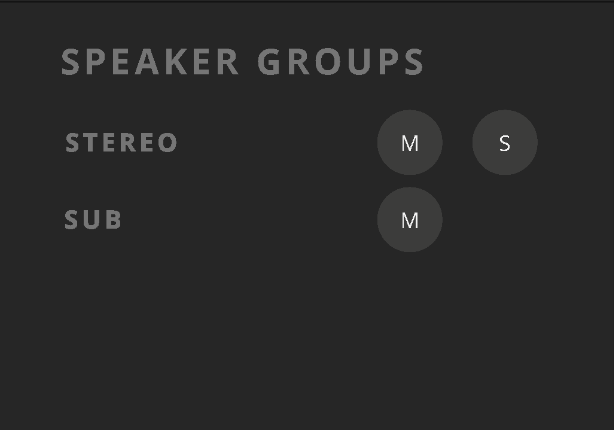
Speaker groups
ORIA Mini provides two Speaker Groups:
- Stereo
- Subs
Use the group controls to mute or solo the outputs in that group.
A muted group is shown in grey. When a group is soloed, the other group is shown in grey.