Outputs and Hardware Controls
Speaker outputs
iD24 has four balanced line outputs. In a typical monitor setup, outputs 1+2 feed the main speakers and outputs 3+4 can feed an alternate speaker pair.
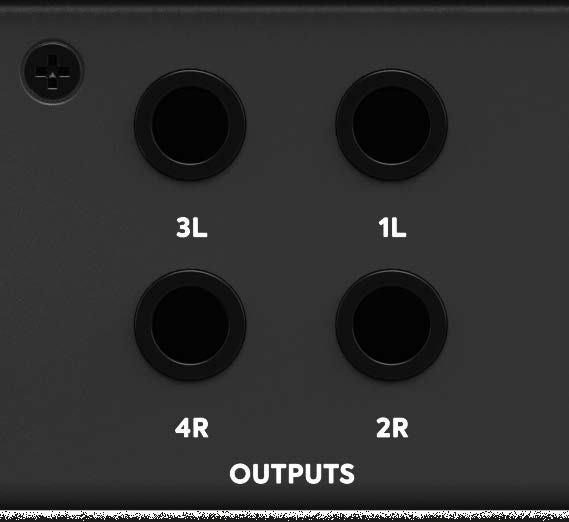
The large hardware encoder controls the currently assigned monitor path through the iD software. Routing and Alt behaviour are configured in the software rather than by physically rewiring the outputs. The balanced line outputs can also feed other line-level destinations, such as an external multi-headphone amplifier, when configured in the Routing Matrix.
Headphone outputs
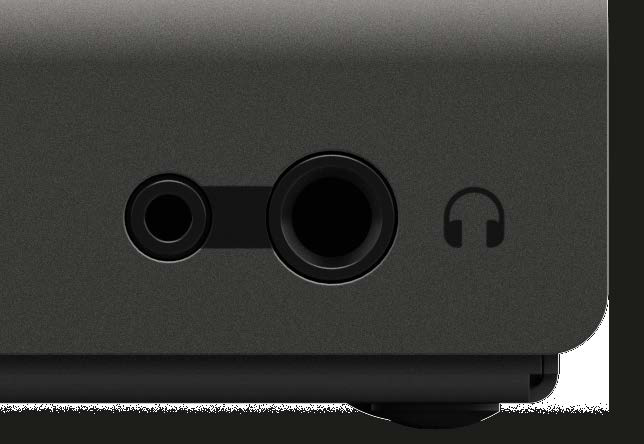
The front panel provides one 1/4-inch and one 3.5 mm headphone socket. Both sockets carry the same stereo headphone signal and can be used at the same time; they are not independently assignable headphone mixes.
The dedicated high-current headphone amplifier is designed to drive a wide range of headphone impedances, and the dedicated headphone knob controls its level.
iD button and ScrollControl
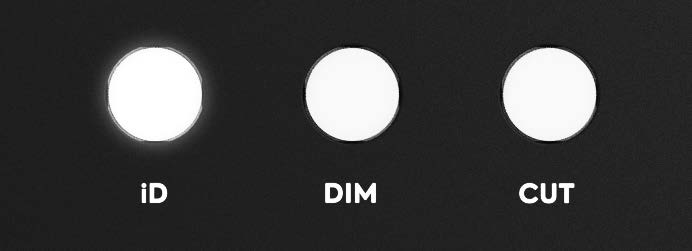
Press the iD button to activate ScrollControl. The large encoder can then behave like a scroll wheel for compatible on-screen parameters: move the mouse pointer over a scroll-enabled DAW or plug-in control and turn the encoder. ScrollControl depends on the host application supporting scroll-wheel adjustment, so it will not operate on every control/DAW.
Dim and Cut
- DIM reduces the monitor level by the amount set in the System Panel.
- CUT mutes the monitor output.
Function keys
F1, F2 and F3 can be assigned to supported monitor/mixer functions from the iD software. Assignment is explained in Master Section.
Hardware metering
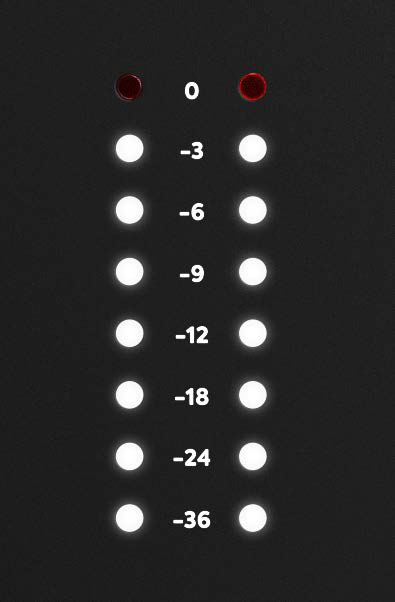
The front-panel LED meter displays the level of the Main Mix.
USB status LED
The white USB status LED indicates stable USB communication. If it goes out during normal use, check the USB connection, cable and host port.

Kensington lock
The chassis includes a Kensington-compatible security slot for an appropriate security cable.
Continue to Software Mixer and Channel Features.