Optional Modules and Accessories
Producer's Desk
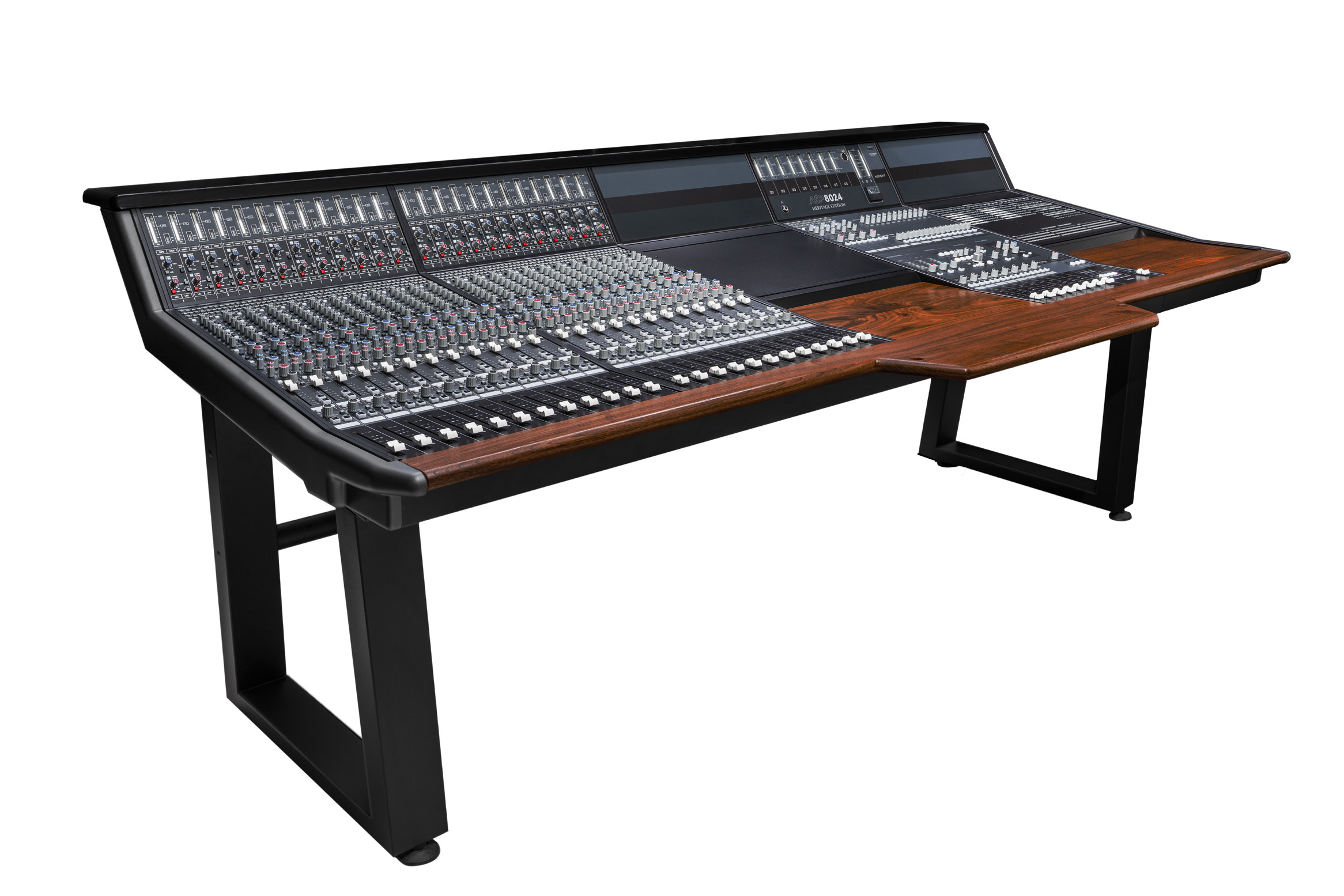
The Producer's Desk adds working space to the console for a keyboard, mouse, notes or an external control surface. It can be placed centrally or to one side for an assistant/producer.
The manual notes that two Producer's Desk modules can be installed side by side as a Double PD, creating enough space for larger control surfaces.
48 Bus Mod and Bus Link/DFA
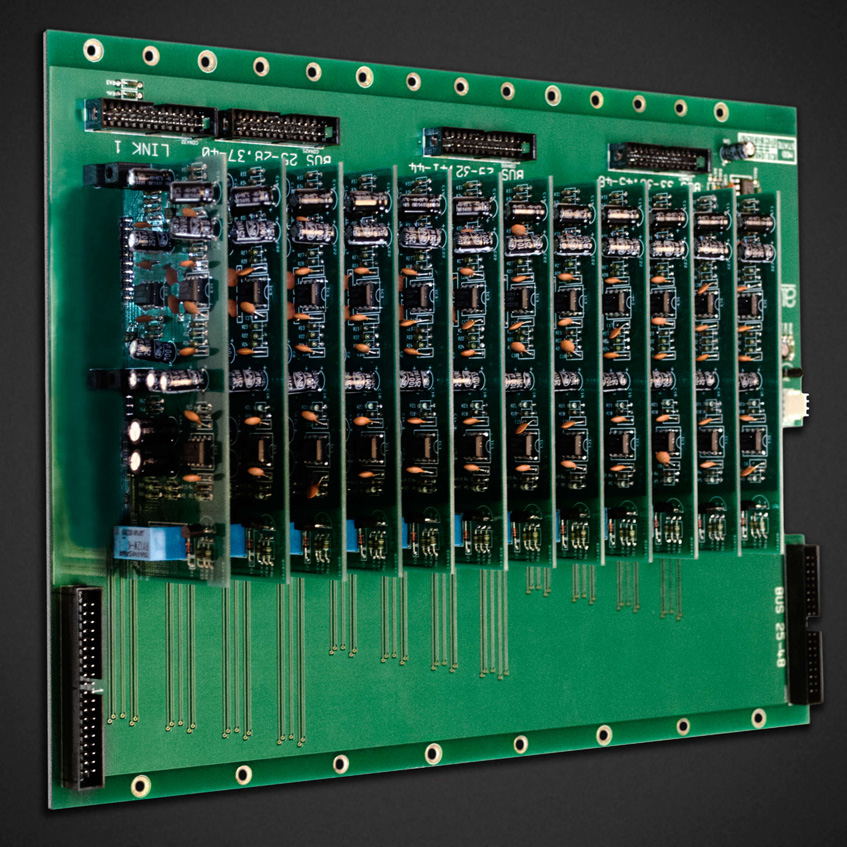
The 48 Bus Mod adds multitrack buses 25–48.
- Channels 1–24 access buses 1–24.
- Channels 25 and above access buses 25–48 in Bus Split mode.
- Buses 25–48 do not have Bus Master Trims and leave the console at unity gain.
- Stereo EFX inputs route only to buses 1–24.
With BUS LINK engaged, the 25–48 bus combiners are summed into buses 1–24, providing standard 24-bus operation across the complete console.
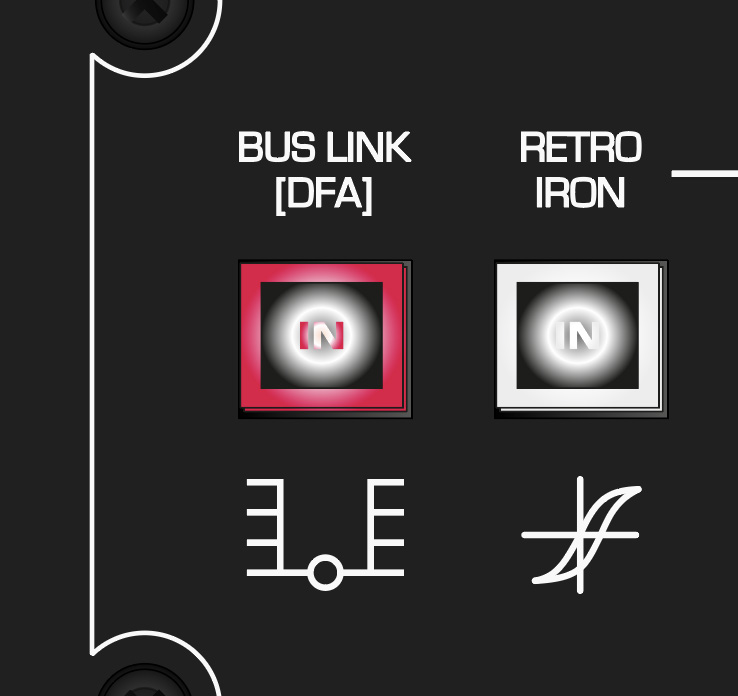
When the 48 Bus Mod is not installed, the same control is presented as DFA.
VESA screen mount
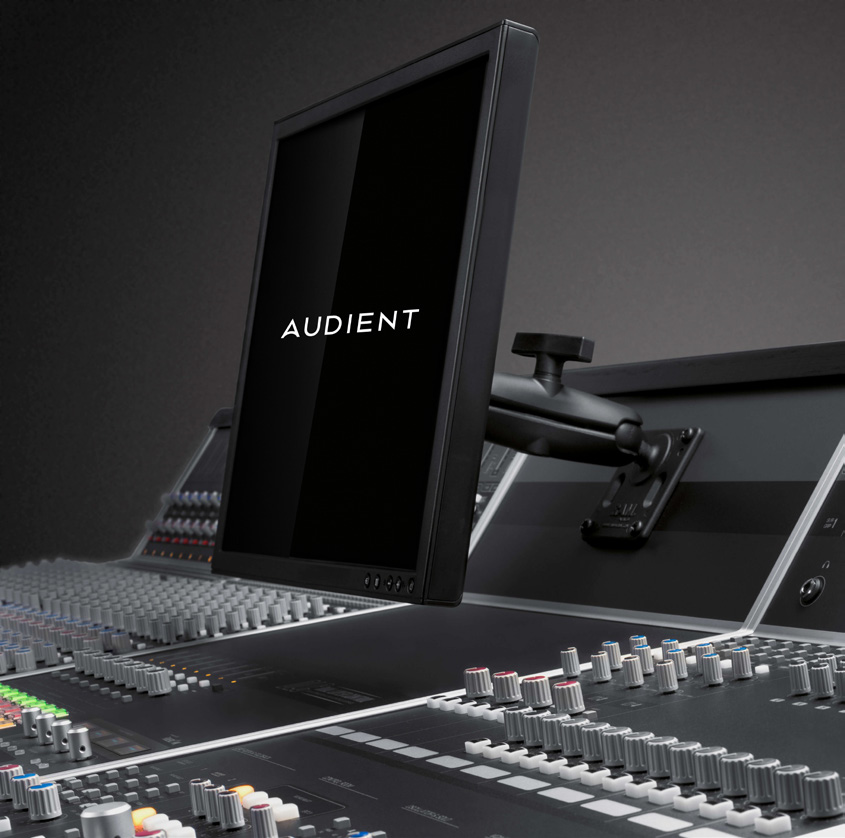
The VESA mount supports 75 mm and 100 mm mounting patterns for TFT screens up to 19 inches, as specified.
- Attach the mount to the rear of the screen using the four supplied screws.
- Reattach the assembly to the console ball joint.
- Loosen the clamp slightly to position the display.
- Retighten the clamp securely.
Cable Entry Meter Pod
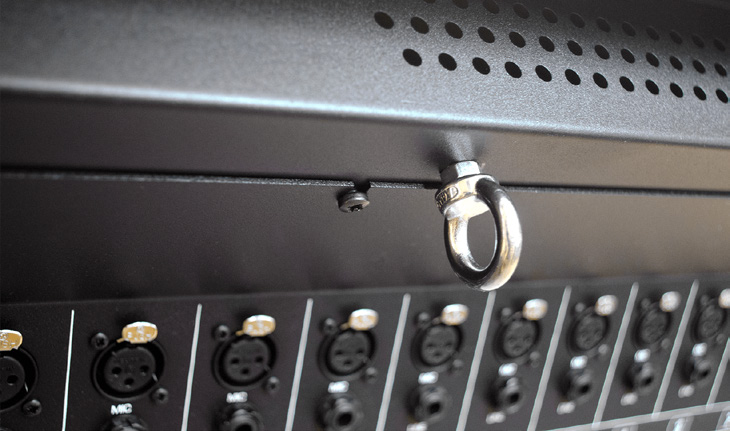
The Cable Entry Meter Pod allows cables to be passed through the console for a cleaner surface installation.
Use the following procedure:
- Unscrew the rectangular blanking panel underneath the console.
- Carefully unscrew and lower the rear connector panel, removing the cable hooks as required.
- Remove the screws underneath the top wooden trim from inside the rear of the console.
- Remove the horizontal and vertical metal trims on the console bucket containing the Cable Entry Meter Pod.
- Tilt the Meter Pod forward and feed the cable toward the opening left by the blanking panel.
This procedure involves removing console panels and working around internal assemblies. Power the console down and disconnect it before starting. If you are not suitably competent to carry out the work, contact Audient Support or an approved technician.
Continue to Technical Specifications.