Connector Panels and Power Supply
Connector Panels
The connector panels interface ASP8024-HE with microphones, instruments, converters, monitors, outboard equipment and the recording system. Inputs and outputs use electronically balanced or ground-sensing topologies with RFI rejection networks.
Channel connections
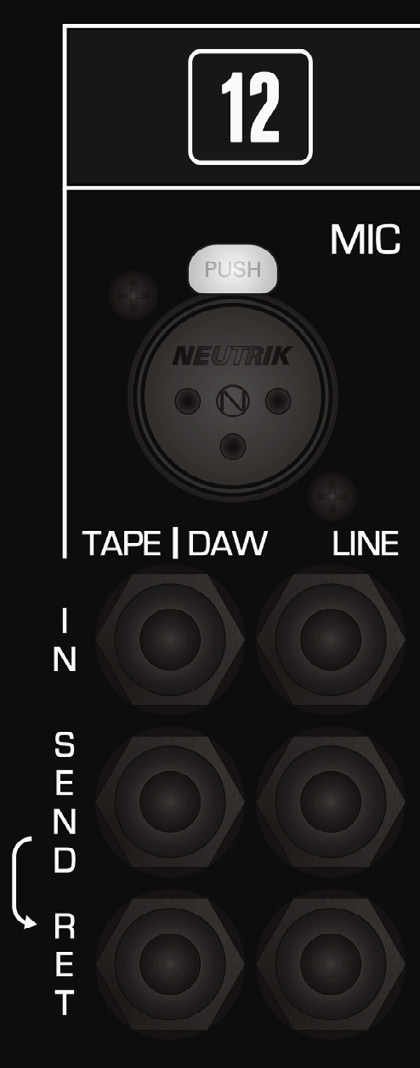
Each standard input channel provides:
- MIC - XLR microphone input.
- LINE - line-level channel input.
- TAPE/DAW - line-level playback return.
- Mic/Line insert send and return.
- DAW/Tape insert send and return.
The insert sends can be used without interrupting the normal path. Connecting to an insert return breaks the normalled route and substitutes the return signal. CH FLIP does not move the physical insert points between the two source circuits.
With the optional patchbay fitted, the rear channel panel normally retains Mic and Line inputs while Tape/DAW returns and insert connections are presented through the patchbay.
Monitoring, foldback, Cue, Aux and EFX

The master connector panels provide:
- MAIN monitor output.
- ALT 1, ALT 2 and ALT 3 monitor outputs.
- STUDIO LOUDSPEAKERS output.
- FOLDBACK 1 and 2 stereo outputs.
- CUE A and CUE B outputs.
- AUX SEND 1–12 outputs.
- Four STEREO EFX INPUTS.
- MAIN MIX INSERT left/right send and return.
The Mix Insert is after the Heritage Output Card and before the stereo bus compressor.

Subgroups, mix outputs and external inputs
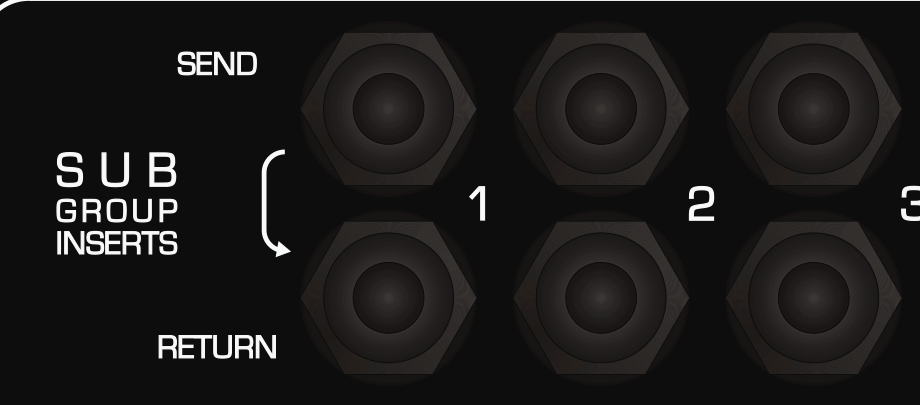
- Each of the eight subgroups has an insert send and return.
- The stereo Mix Bus is available from three stereo Mix Outputs after the Master Fader.
- Three stereo External Inputs feed the monitoring/source-selection system.
Multitrack and subgroup DB25 wiring
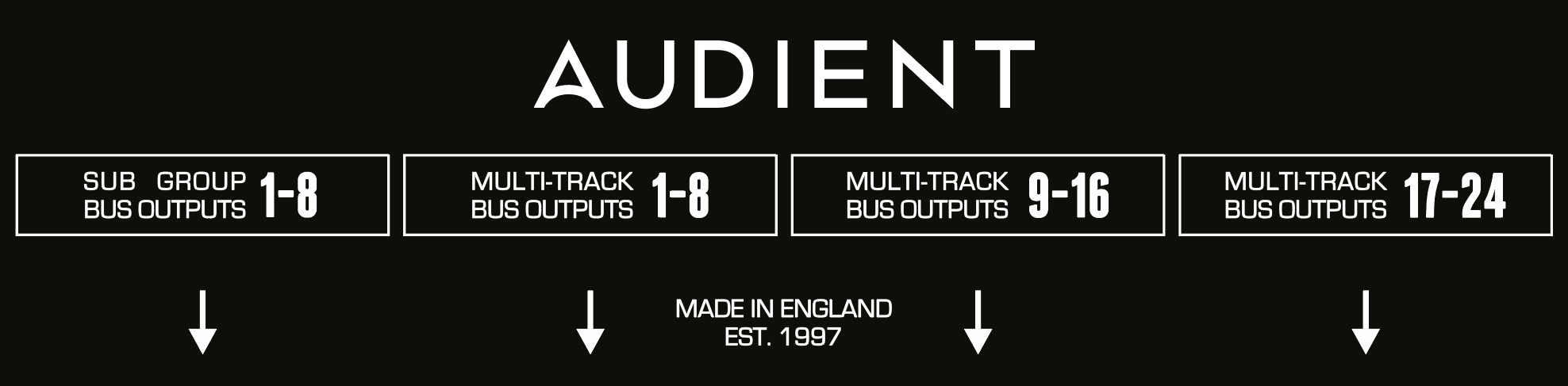
The 24 multitrack outputs are split across three DB25 connectors, eight channels per connector. A fourth DB25 carries subgroup outputs. These follow the Tascam analogue DB25 convention.
| Signal number | + pin | - pin | Screen pin |
|---|---|---|---|
| 1 / 9 / 17 | 24 | 12 | 25 |
| 2 / 10 / 18 | 10 | 23 | 11 |
| 3 / 11 / 19 | 21 | 9 | 22 |
| 4 / 12 / 20 | 7 | 20 | 8 |
| 5 / 13 / 21 | 18 | 6 | 19 |
| 6 / 14 / 22 | 4 | 17 | 5 |
| 7 / 15 / 23 | 15 | 3 | 16 |
| 8 / 16 / 24 | 1 | 14 | 2 |
Undesignated pins are not connected. Screen connections are joined inside the console and connected to chassis earth. Patchbay tie-line DB25s use the same convention.
Power Supply
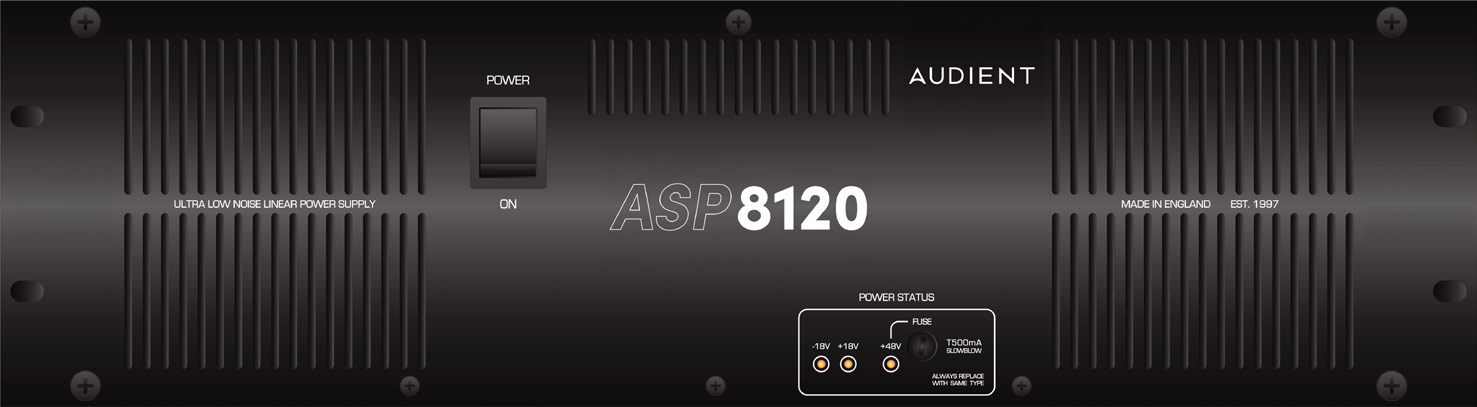
ASP8024-HE is powered by the rack-mounted ASP8120 Ultra power supply.
Power rails and indicators
The PSU supplies the console's +18 V, -18 V and +48 V rails. Front-panel LEDs indicate rail status.
The front-panel +48 V fuse is specified as 500 mA slow-blow.
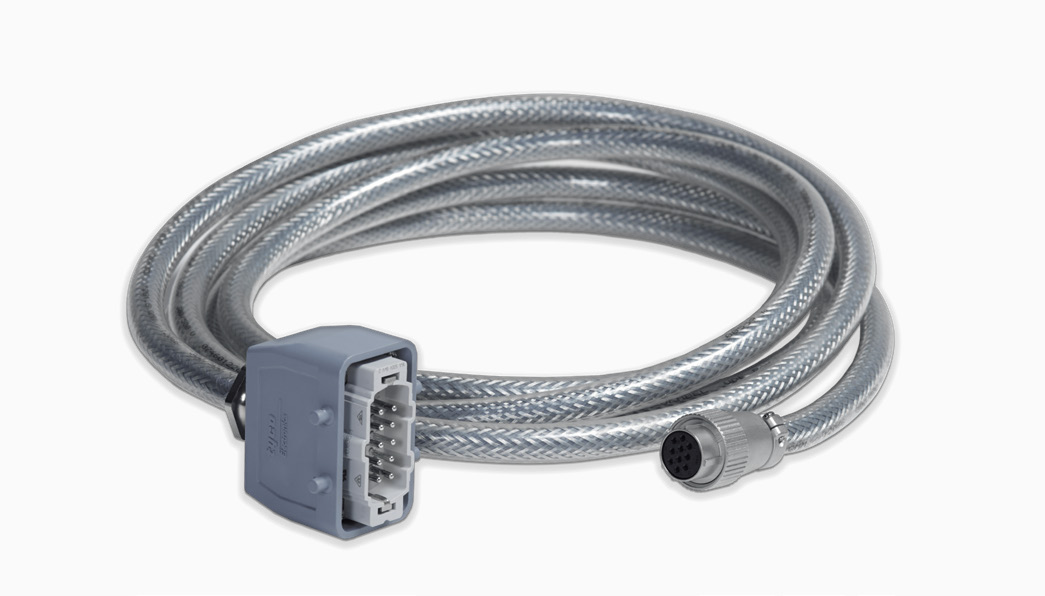
Connect the console cable
- With the PSU switched off, push the console connector fully into its socket.
- Pull the two retaining arms over the connector until it locks securely.
- Confirm the cable cannot work loose before power is applied.
The manual states that the shielded console cable is approximately 4 metres long.
Cooling and installation
The ASP8120 Ultra uses low-noise fans and can be installed in the control room. Keep both fan openings unobstructed. The manual states that an empty rack space above or below is not required provided airflow is not restricted.
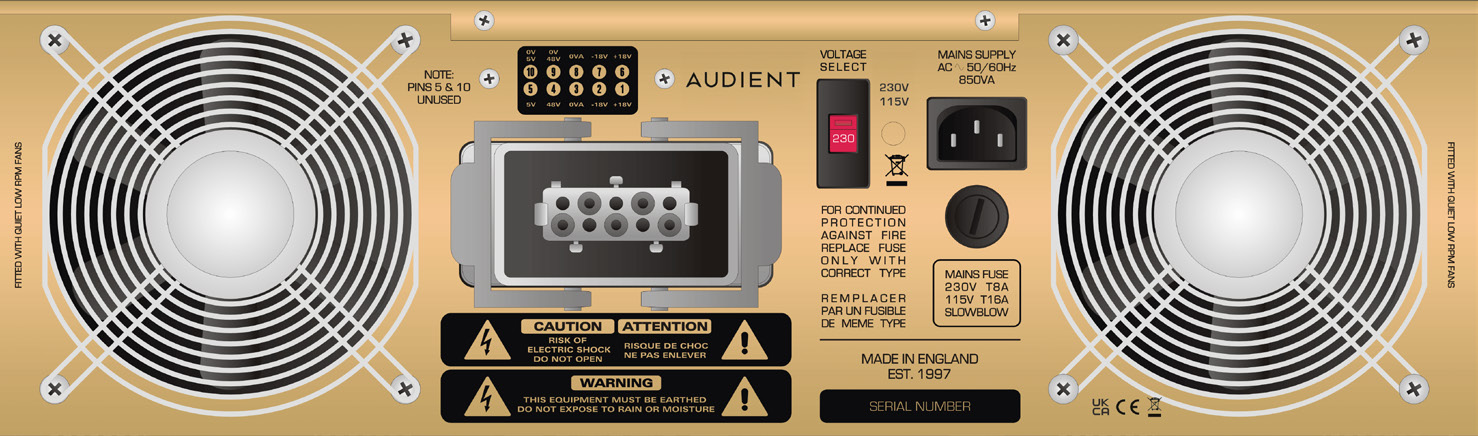
Before applying mains power, set the PSU for the correct local mains voltage. Always use the mains fuse type and rating marked on the PSU/fuse holder or specified in current Audient service information.
Continue to Tracking and Foldback.